KORVIX: Google Sites Student Portfolio Template
Important: you need to be signed in to a Google account to copy the template to your Drive. Need help downloading?
KORVIX: A Google Sites Student Portfolio Template
KORVIX is a Google Sites student portfolio template for high school and college students who need to present their work to universities, scholarship committees or teachers. It uses the Aristotle theme in blue with a library photo in the header, and the demo follows a final-year student interested in chemistry and engineering.
What this student digital portfolio includes
- Home: a welcome paragraph and three featured projects, here a science fair entry, a research poster and a robotics club.
- About Me: a photo, a short profile, favorite subjects and languages.
- Achievements: awards, grades and certificates, with a note on linking the PDF certificates from Google Drive so readers can check them.
- Activities: volunteering, clubs and teams, each with an image and a short description.
- Contact: email, LinkedIn and a line about references from teachers.
Tips for a student portfolio on Google Sites
Keep each project short: what the question was, what you did and what came out of it. Add evidence where you can, such as a photo of the poster, a link to the report in Drive or a short video. Update the Achievements page every term so the portfolio is ready when an application opens.
If you build it with a school Google Workspace account, the administrator may restrict publishing to people inside the school. Check that setting before sending the link to a university, or copy the template to a personal Google account.
More templates
-
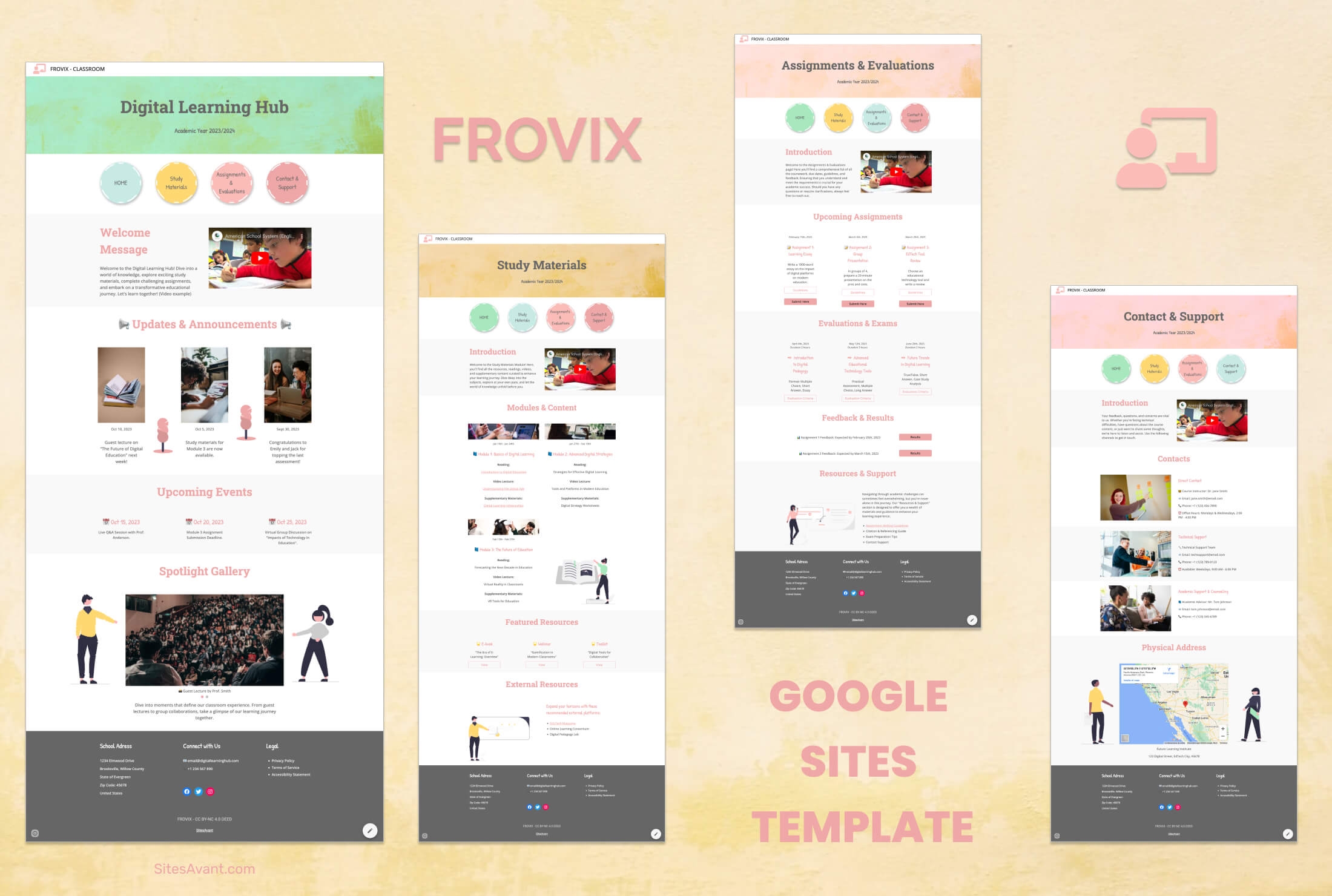 Schools and Colleges FROVIX: Digital Classroom Template for Educators FROVIX is a Google Sites template built for educators. Organized sections for class news, resources, assignments, events, and student support in one place. View template →
 -
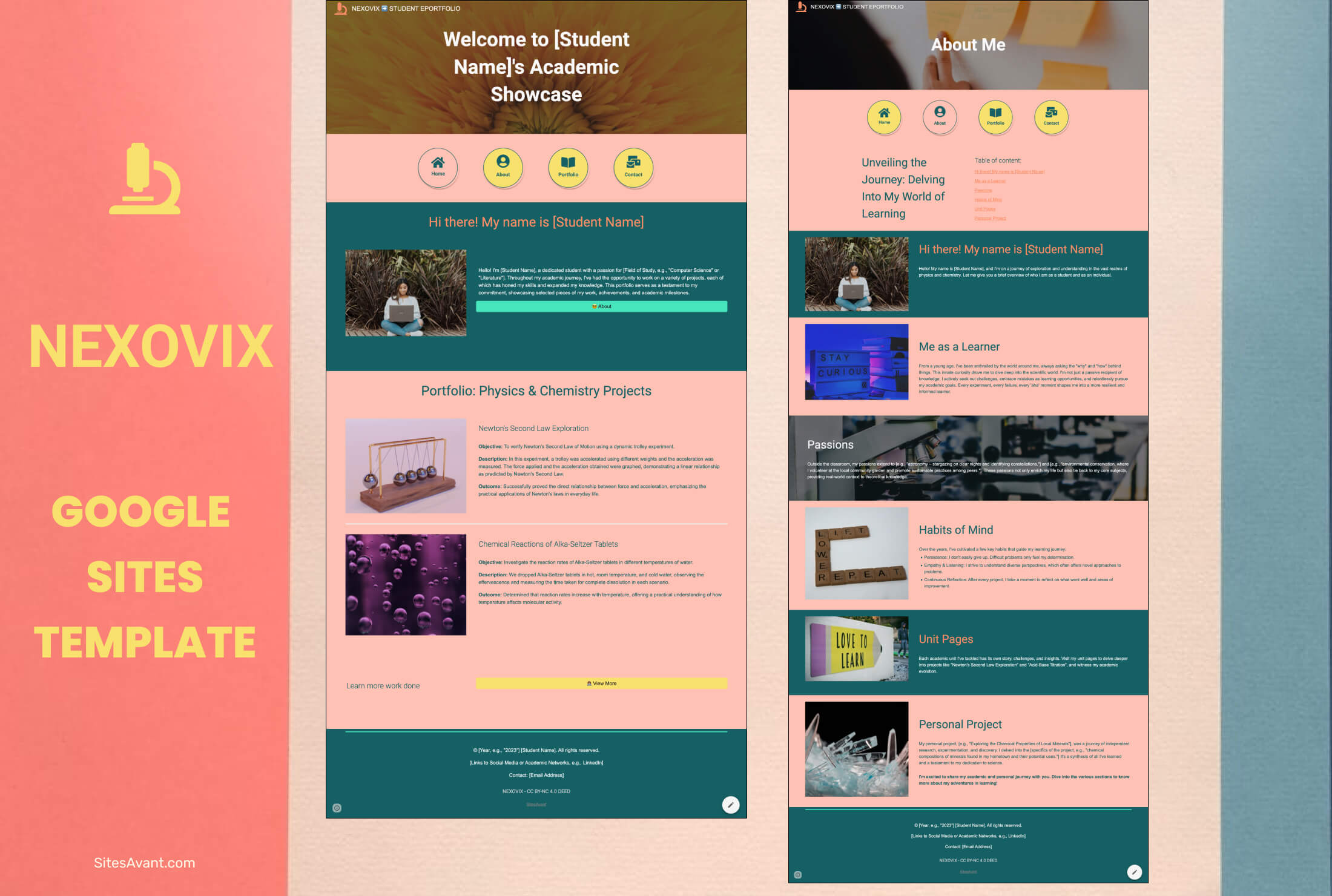 Schools and Colleges NEXOVIX: Student Eportfolio Template for Physics and Chemistry NEXOVIX is a Google Sites eportfolio template for physics and chemistry students. Share achievements, projects, and learning experiences with a clean, structured layout. View template →
 -
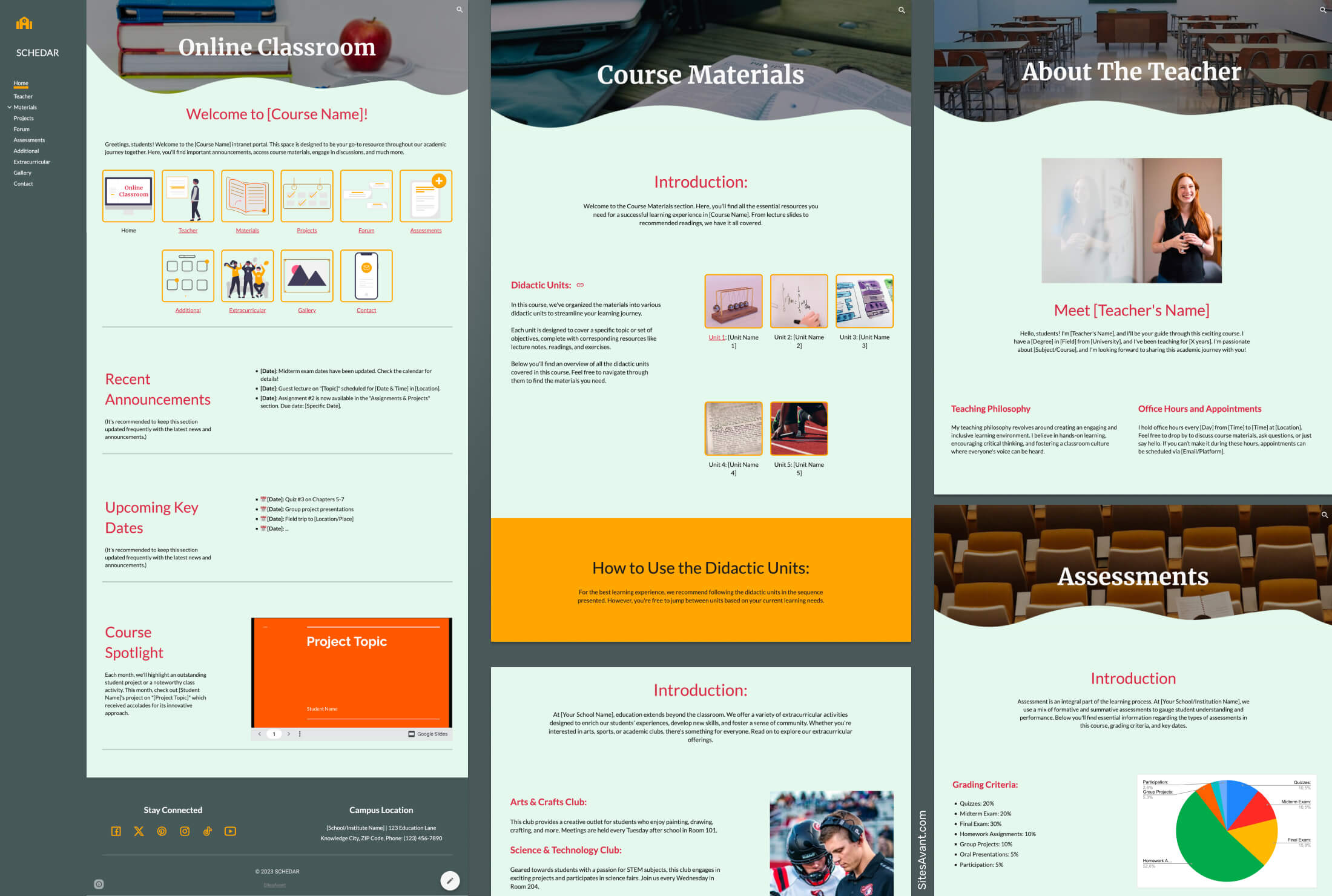 Schools and Colleges SCHEDAR: School Intranet Template for Google Sites SCHEDAR is a free Google Sites template for schools, with a gray, cream, and orange color scheme, a fixed sidebar, and 10 sections covering Home, Teachers, Projects, Forum, Gallery, and more. View template →
 -
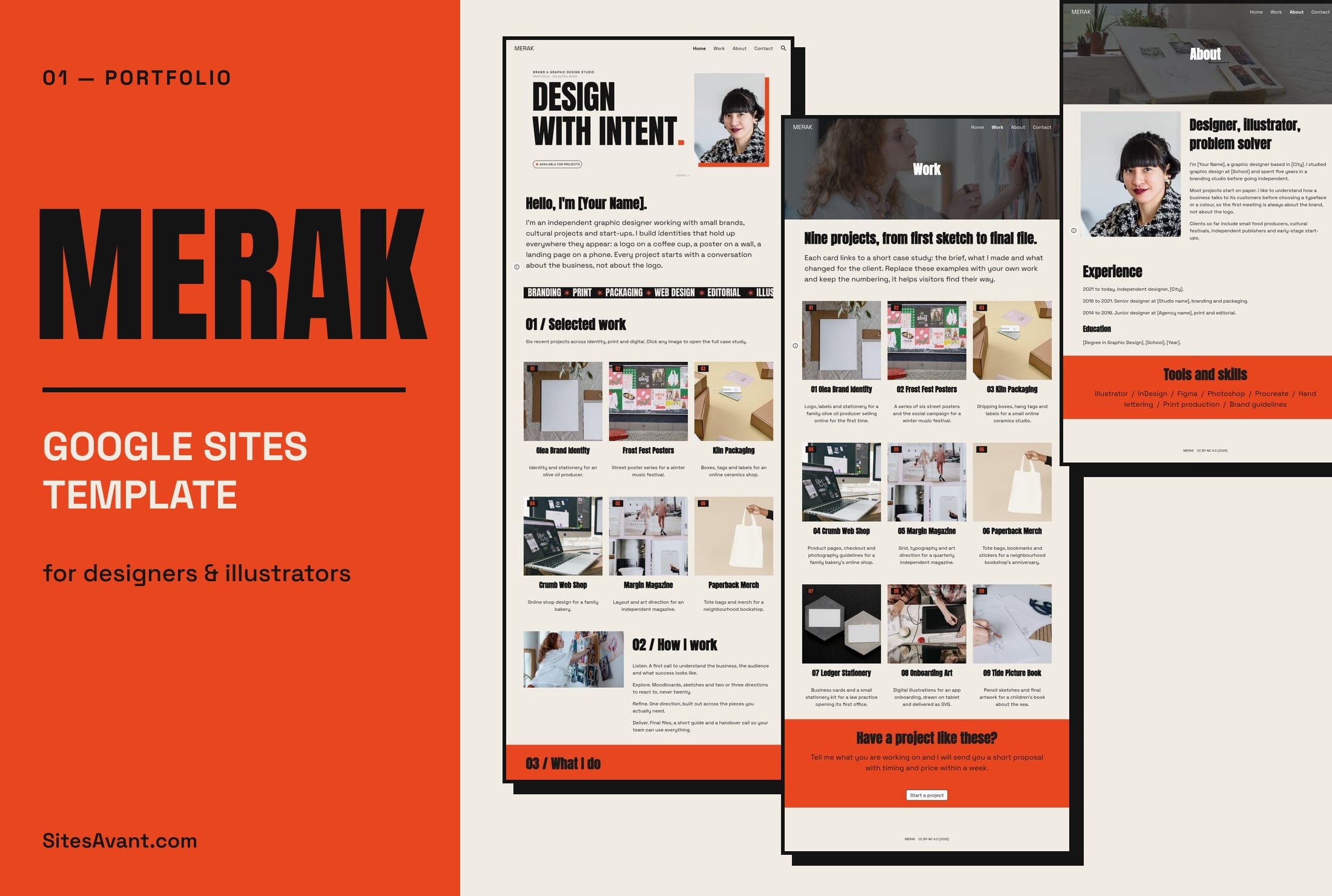 Art Portfolios MERAK: Google Sites Portfolio Template for Designers MERAK is a free Google Sites portfolio template for graphic designers and illustrators, with Home, Work, About and Contact pages. Live demo and free copy. View template →