Google Sites templates
Free Google Sites Templates
Completely free. No sign-up, no download restrictions. Pick a design, copy it to your Google Drive and publish your website in minutes.
-
Free
Every template is free to use, with no sign-up and no hidden limits — ideal for starting a new project or business on a tight budget.
-
Save time
Pre-designed layouts mean you don't start from a blank page. Replace the placeholder text and images and your site is ready.
-
Easy to use
Built natively for Google Sites. Copy the template to your own Drive and edit it with the same tools you already know.
Google Sites templates by category
Find a Google Sites template for your business, portfolio, school or club.
All free Google Sites templates
24 free templates ready to copy to your Google Drive.
-
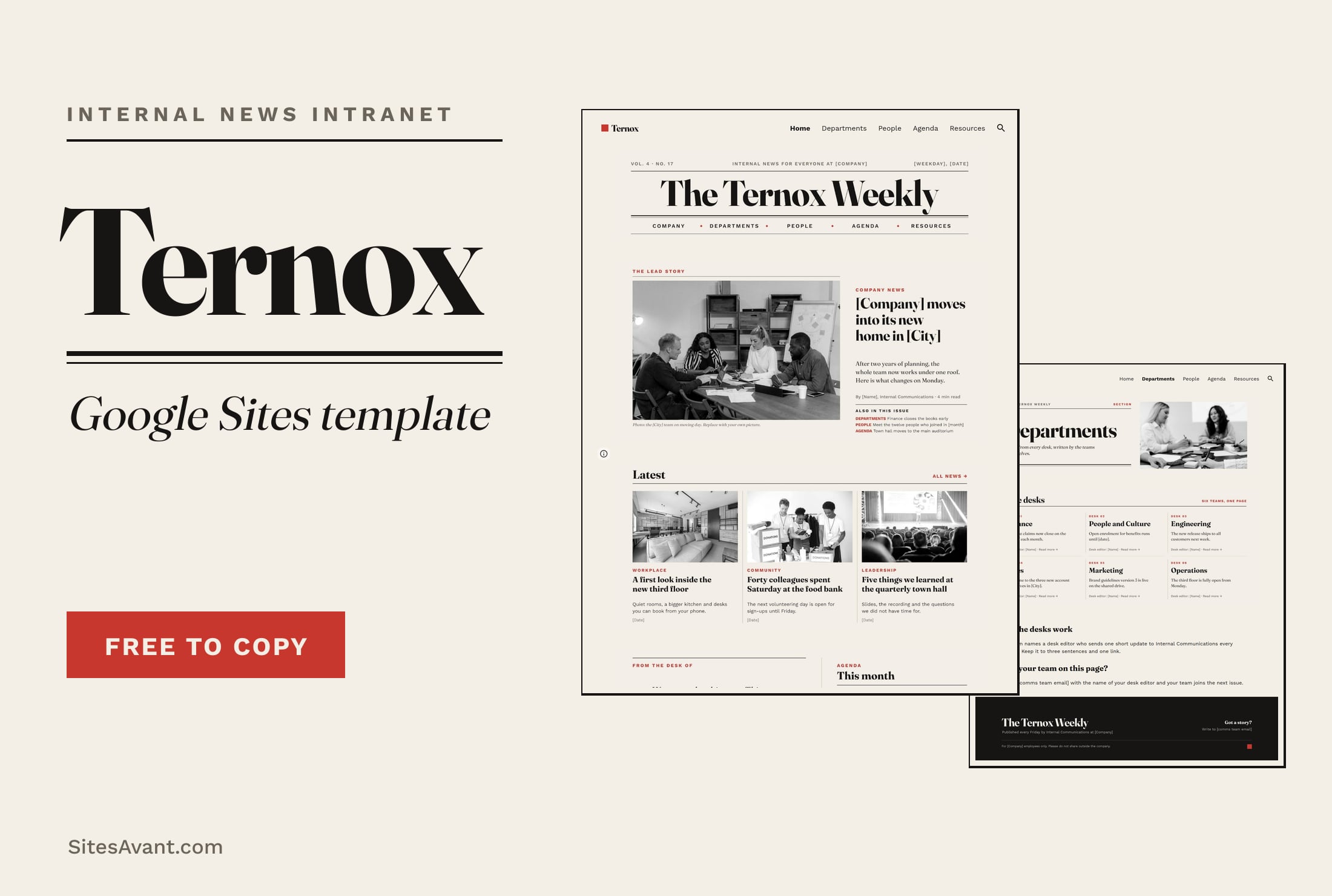 Google Sites Intranet Templates TERNOX: Google Sites Internal Communications Intranet TERNOX is a free Google Sites intranet template for internal communications, designed like a company newspaper: lead story, departments, people and agenda. View template →
 -
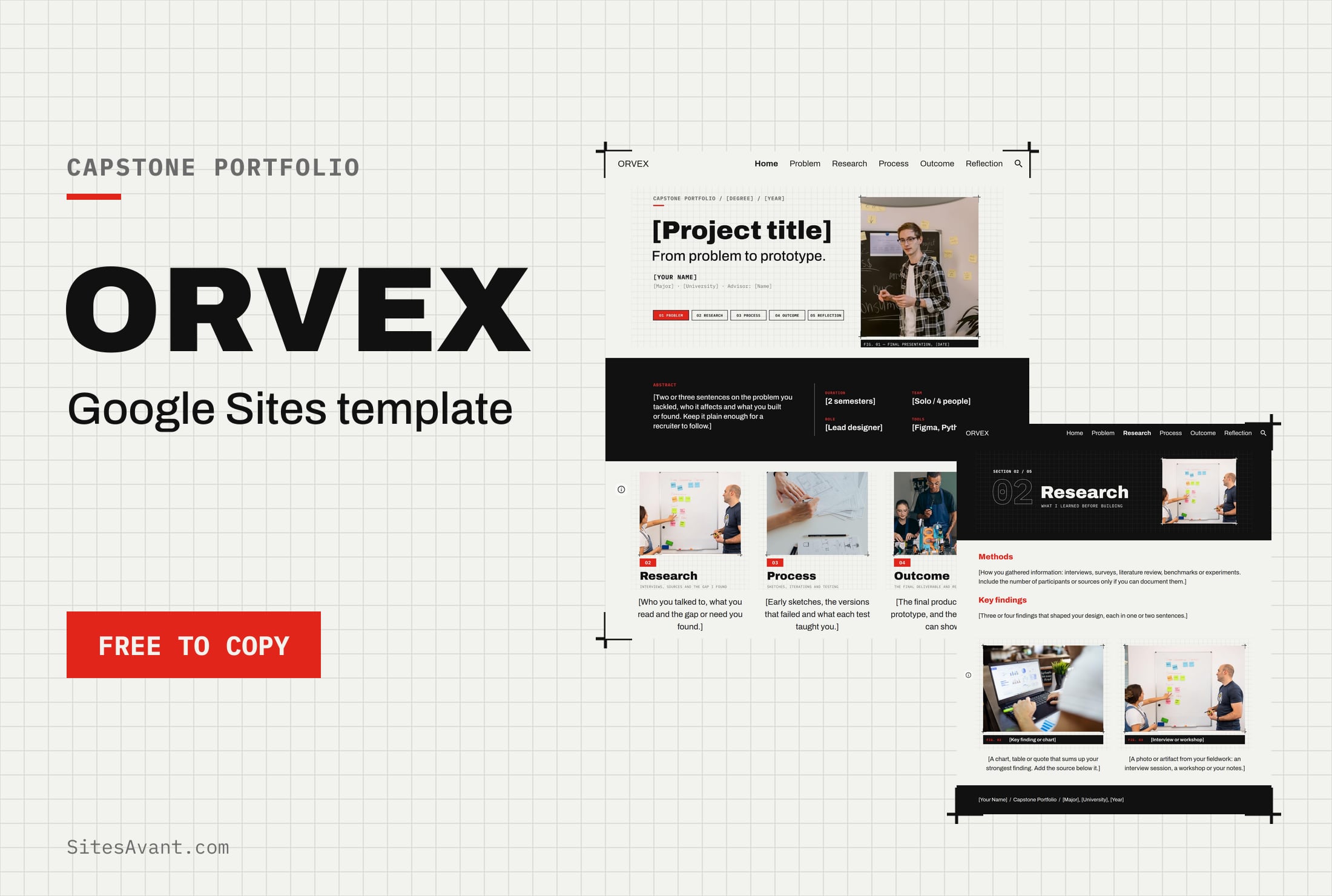 Google Sites ePortfolio Templates ORVEX: Google Sites Capstone Portfolio Template ORVEX is a free Google Sites capstone portfolio template for college students: problem, research, process, outcome and reflection, with a live demo. View template →
 -
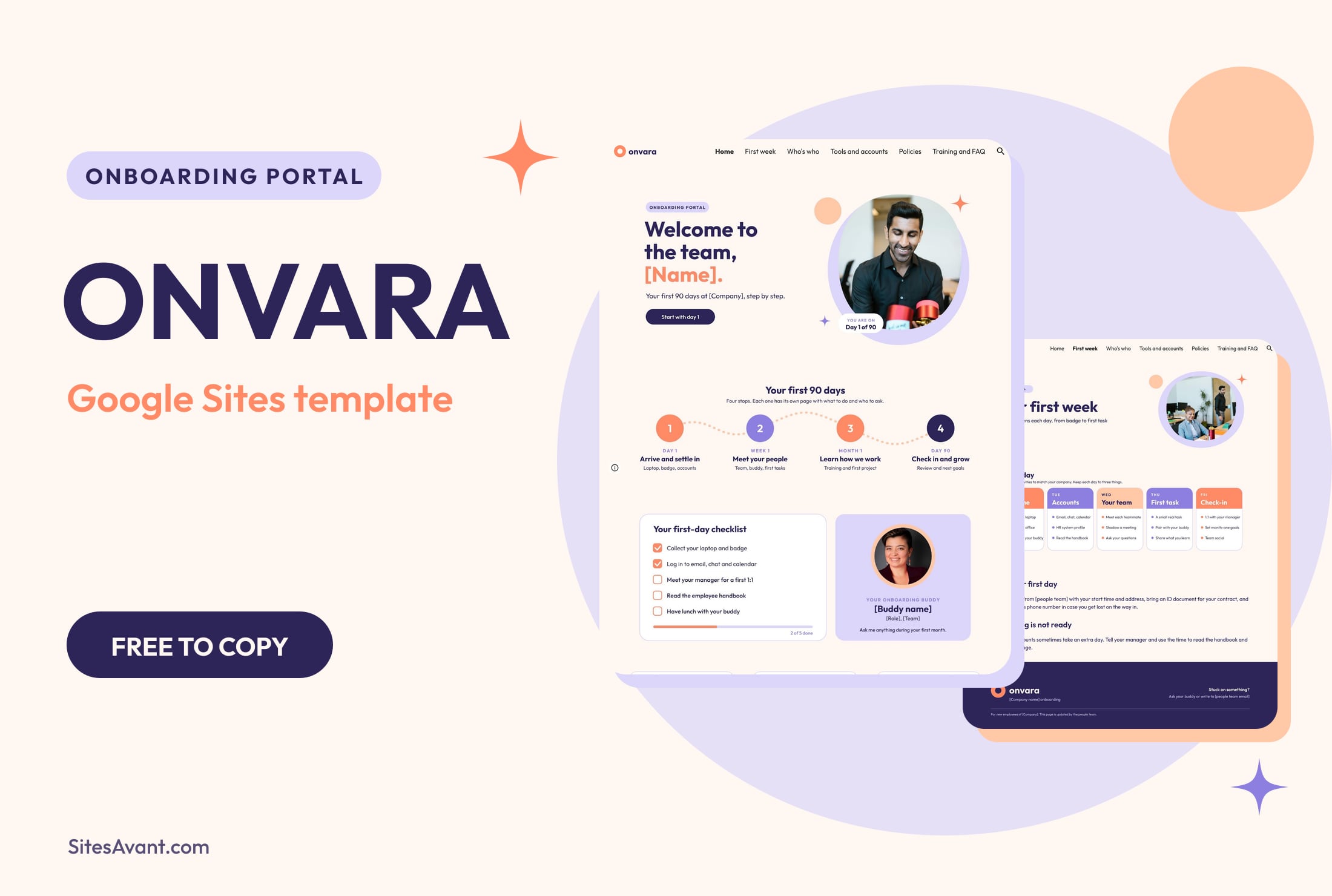 Google Sites Intranet Templates ONVARA: Google Sites Employee Onboarding Portal Template ONVARA is a free Google Sites employee onboarding portal template: a 90-day roadmap, first-day checklist, buddy, tools, policies and training. Live demo included. View template →
 -
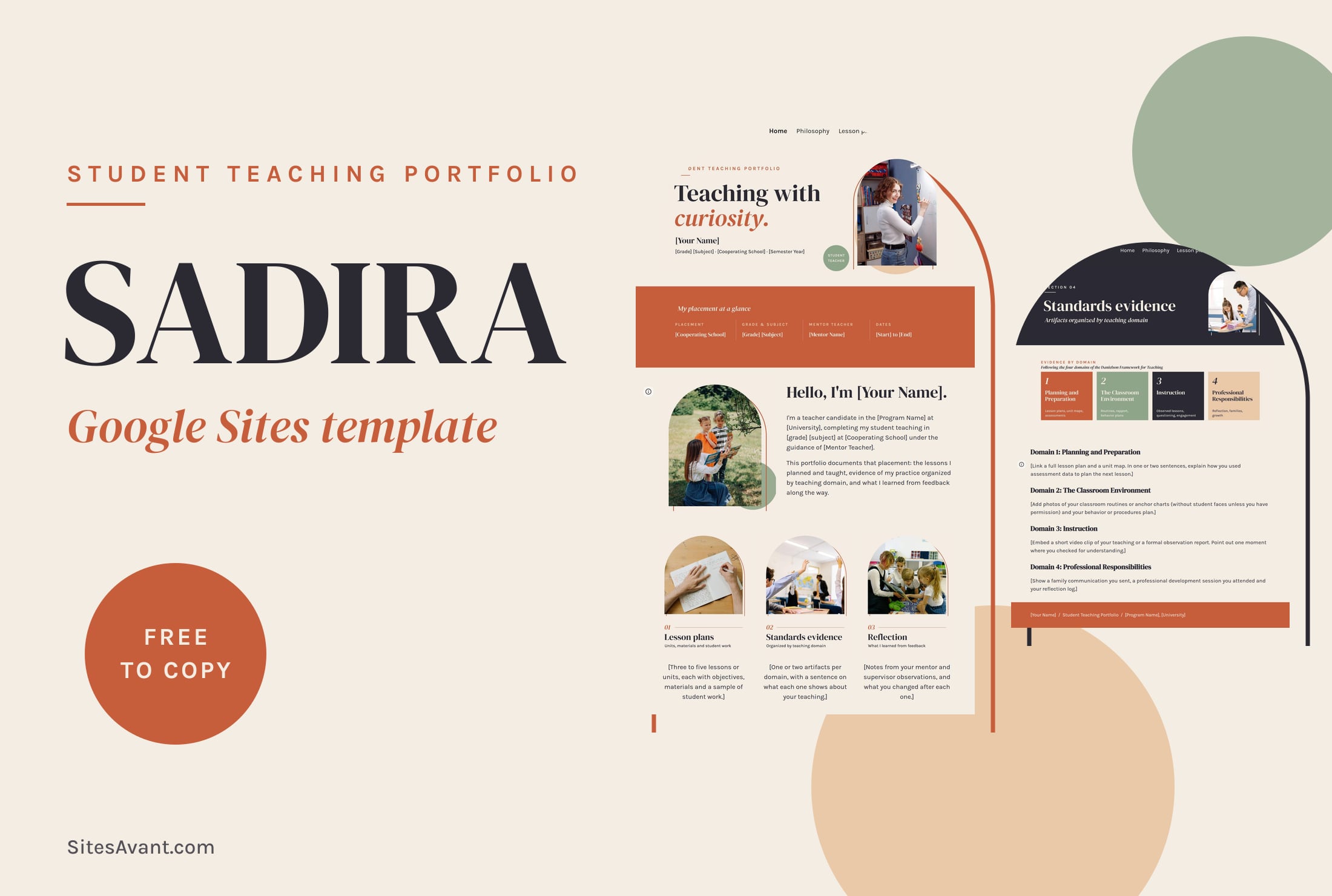 Google Sites ePortfolio Templates SADIRA: Google Sites Student Teaching Portfolio Template SADIRA is a free Google Sites student teaching portfolio template: teaching philosophy, lesson plans, evidence by Danielson domain and reflection. View template →
 -
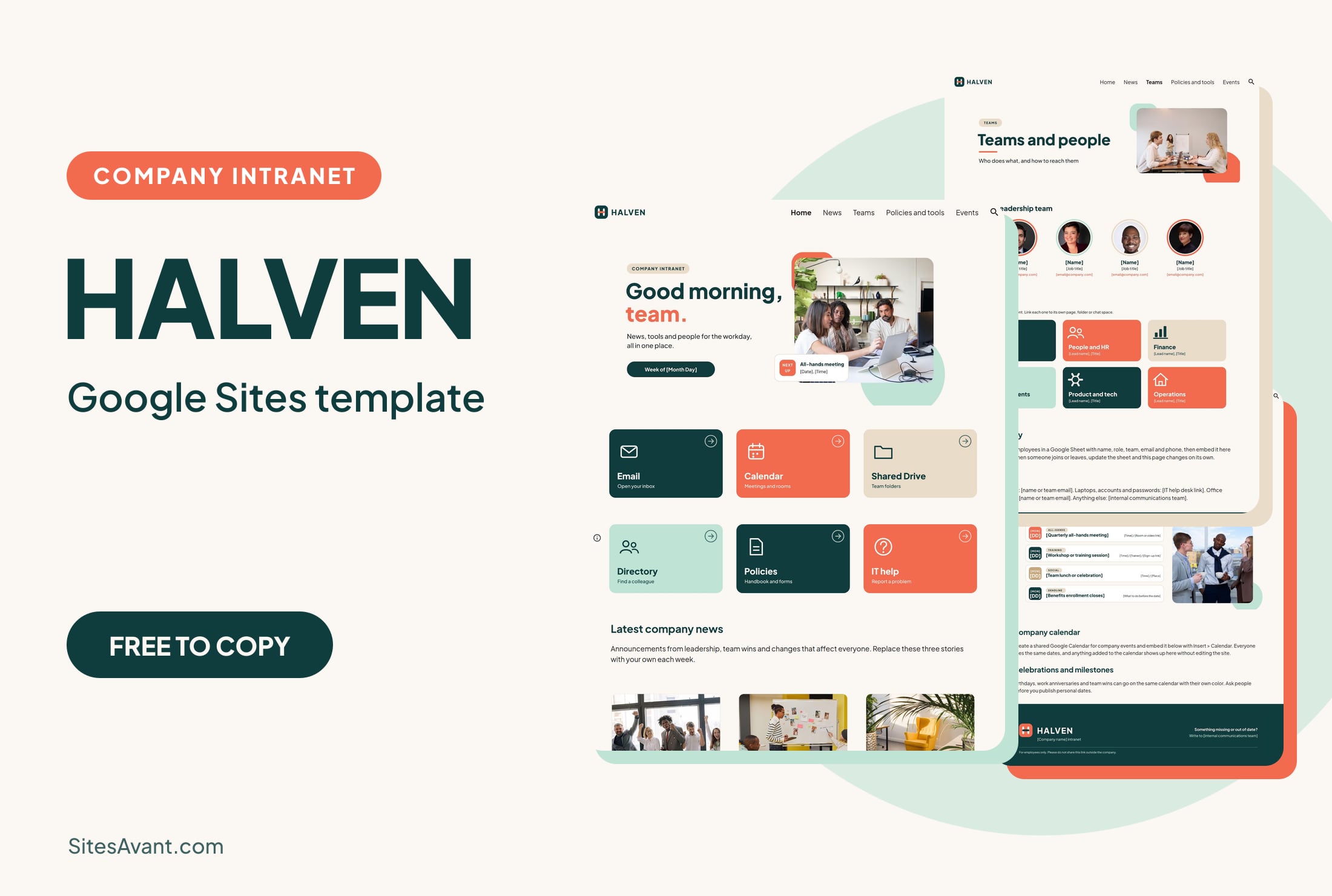 Google Sites Intranet Templates HALVEN: Google Sites Company Intranet Template HALVEN is a free Google Sites company intranet template with quick links, company news, a team directory, policies and an events calendar. Live demo included. View template →
 -
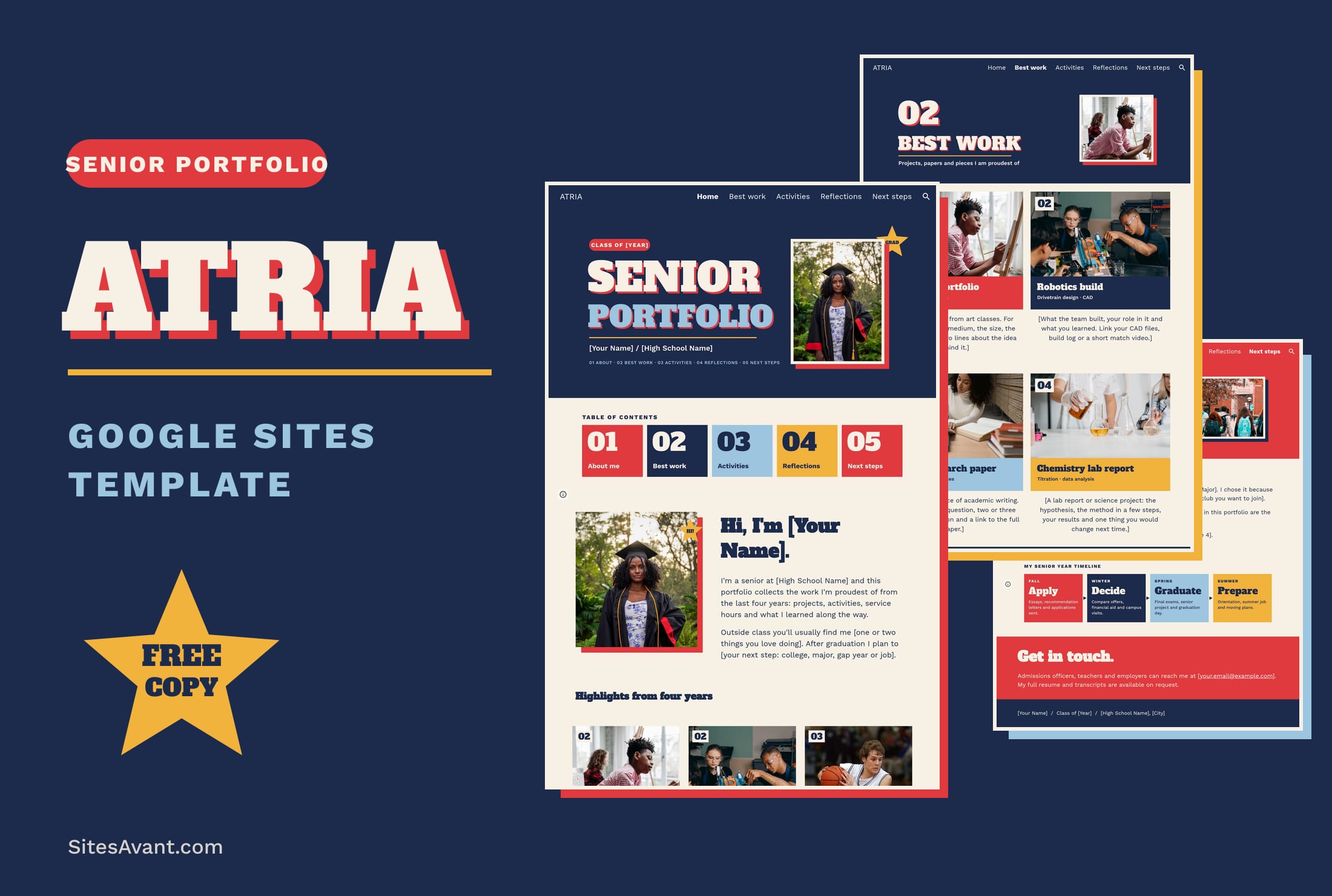 Google Sites ePortfolio Templates ATRIA: Google Sites Senior Portfolio Template ATRIA is a free Google Sites senior portfolio template for high school seniors: best work, activities, reflections and next steps, with a live demo. View template →
 -
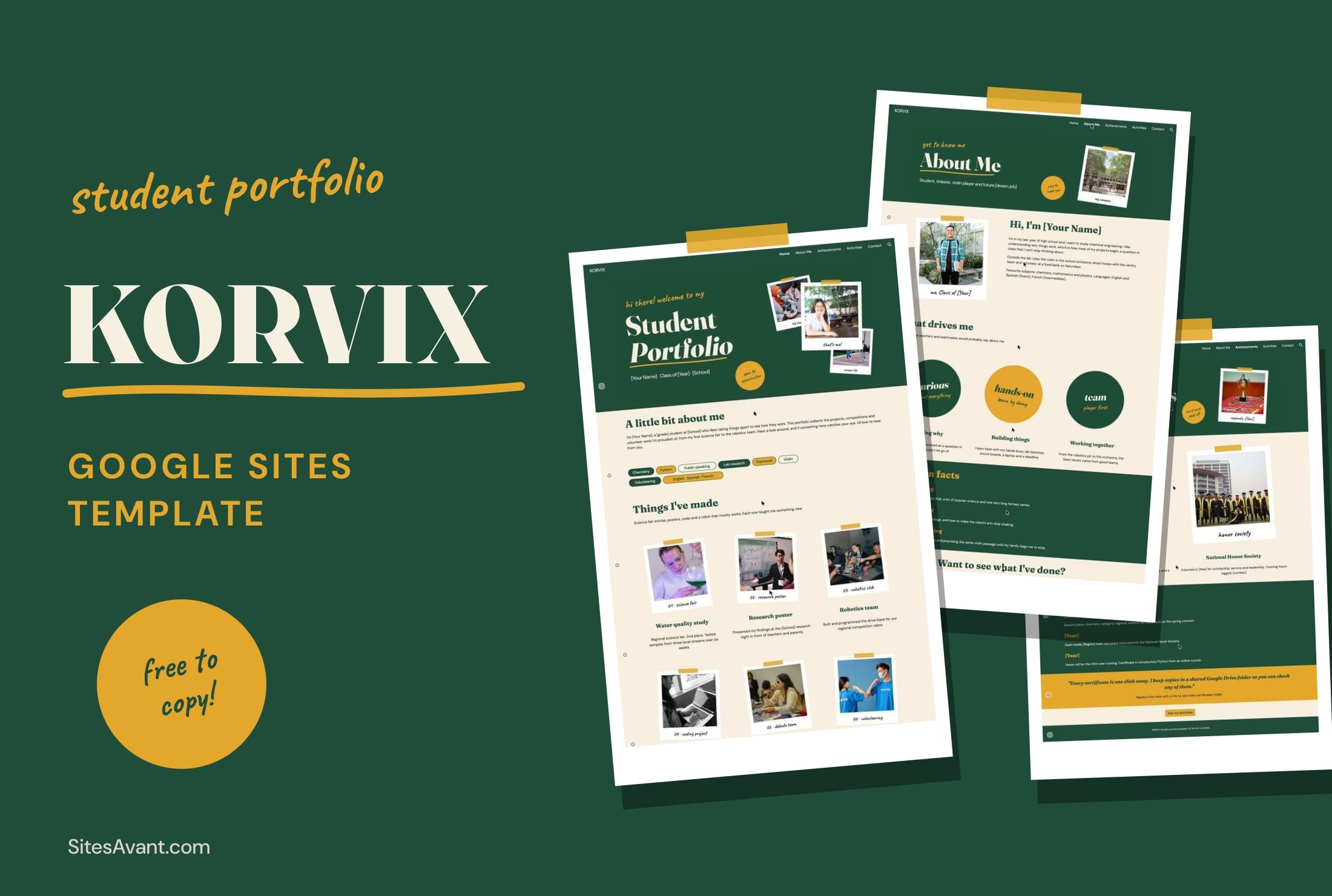 Schools and Colleges KORVIX: Google Sites Student Portfolio Template KORVIX is a free Google Sites student portfolio template for college and scholarship applications: projects, achievements, activities and contact. View template →
 -
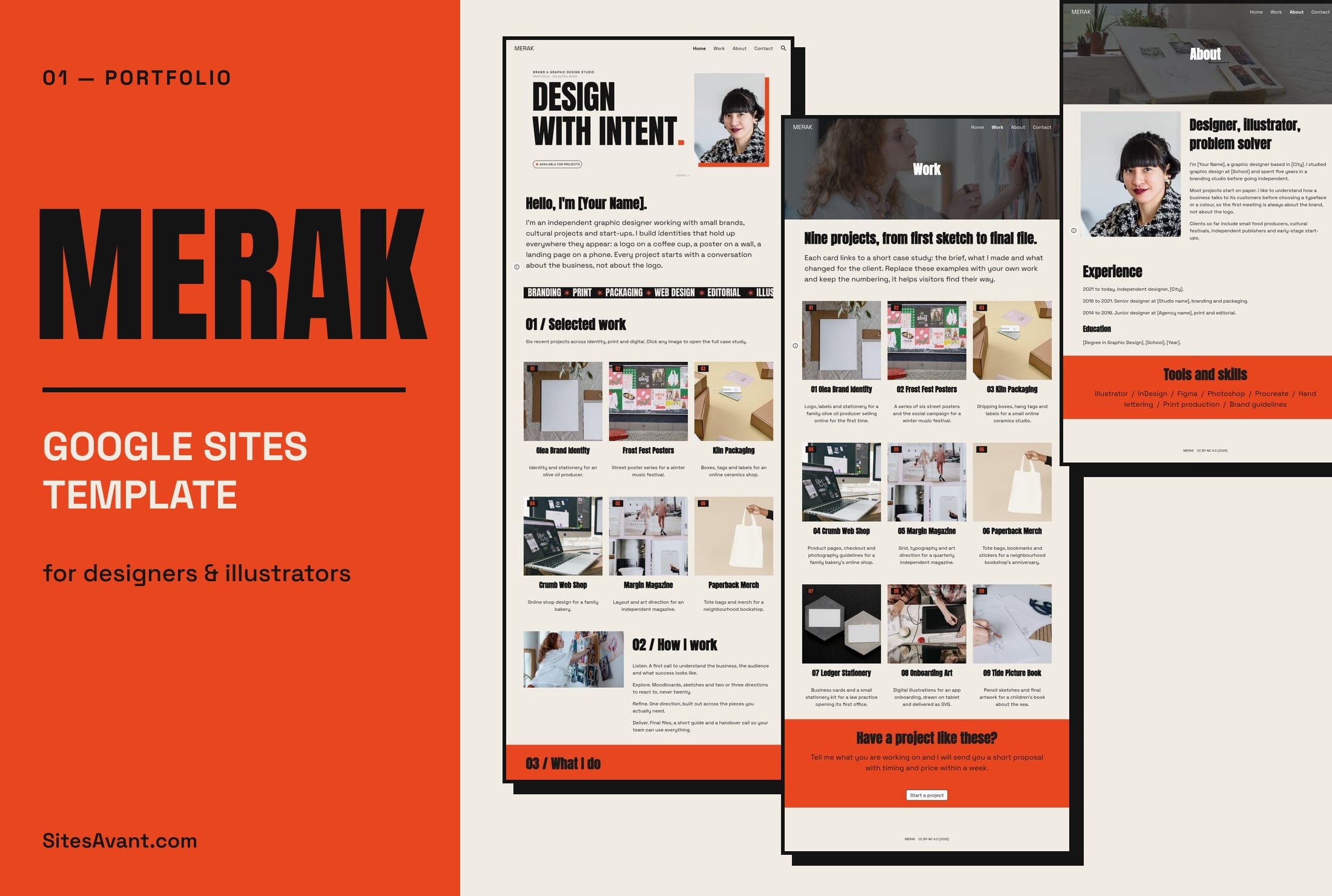 Art Portfolios MERAK: Google Sites Portfolio Template for Designers MERAK is a free Google Sites portfolio template for graphic designers and illustrators, with Home, Work, About and Contact pages. Live demo and free copy. View template →
 -
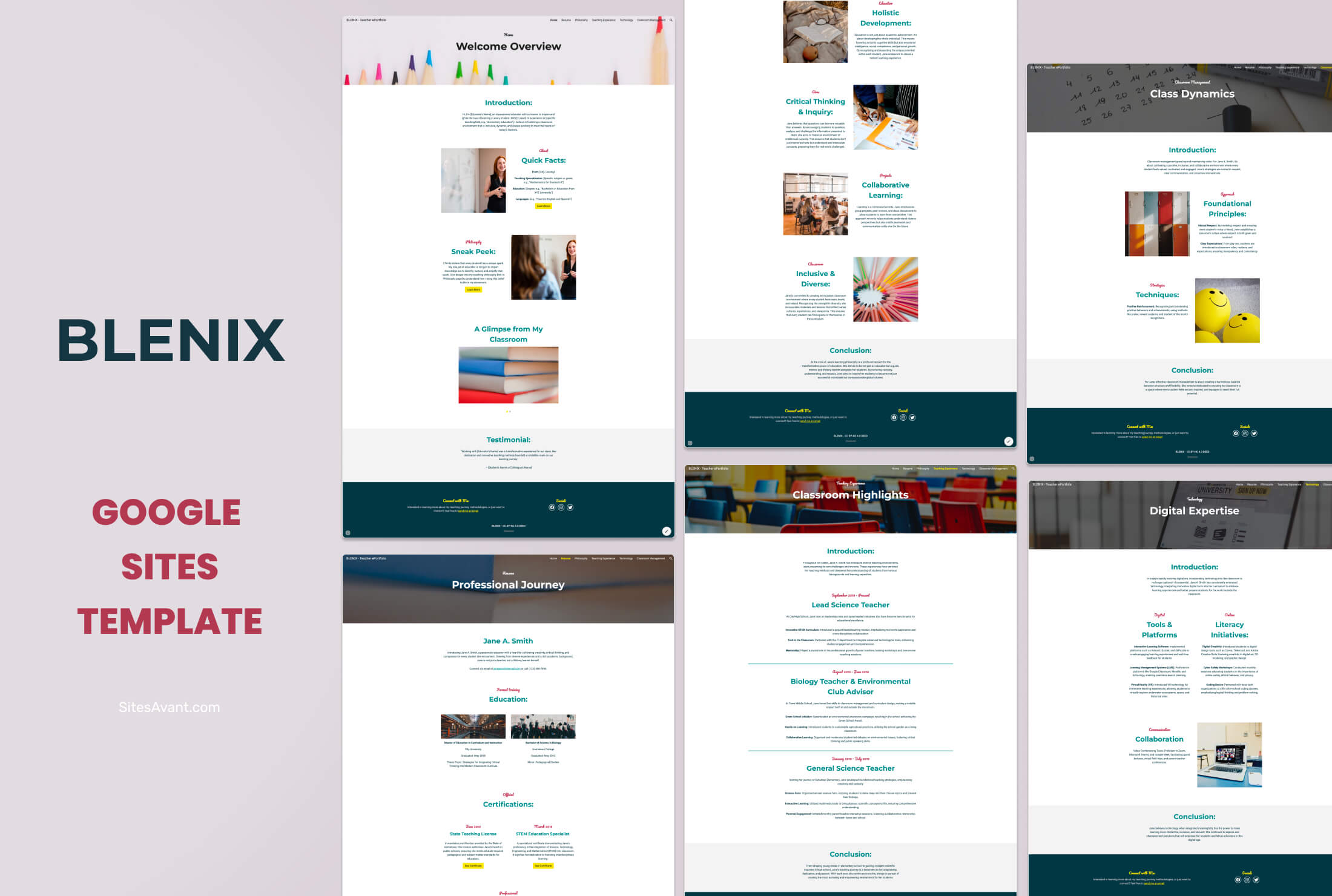 Educational Resources BLENIX: Teacher ePortfolio Template for Google Sites BLENIX is a free Google Sites template designed for teacher ePortfolios. Six sections cover your resume, philosophy, teaching experience, technology skills, and classroom management. View template →
 -
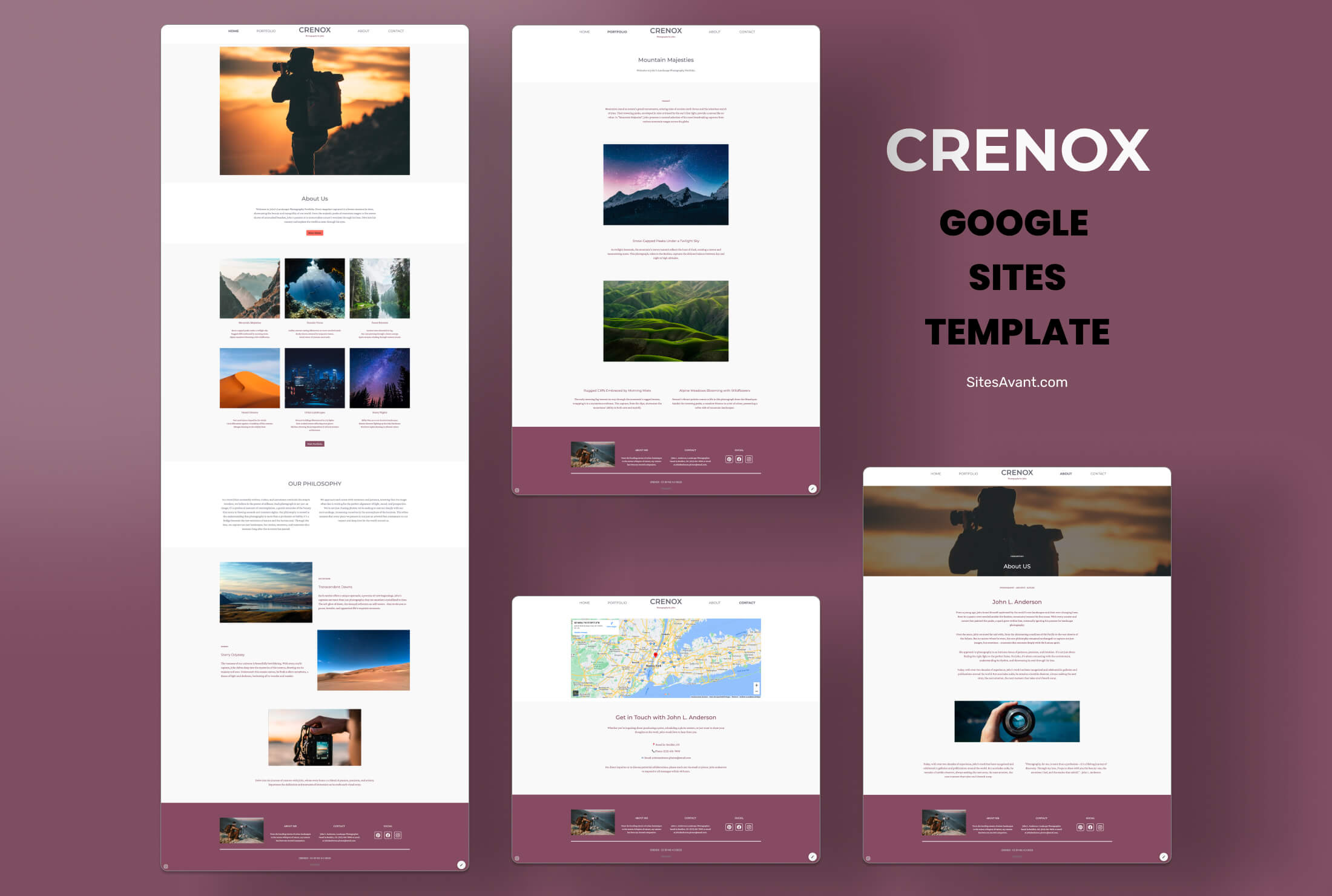 Photography Portfolios CRENOX: Google Sites Template for Photography Portfolios CRENOX is a Google Sites template built for photographers. Elegant, minimalist design with Home, Portfolio, About, and Contact sections. Free to use. View template →
 -
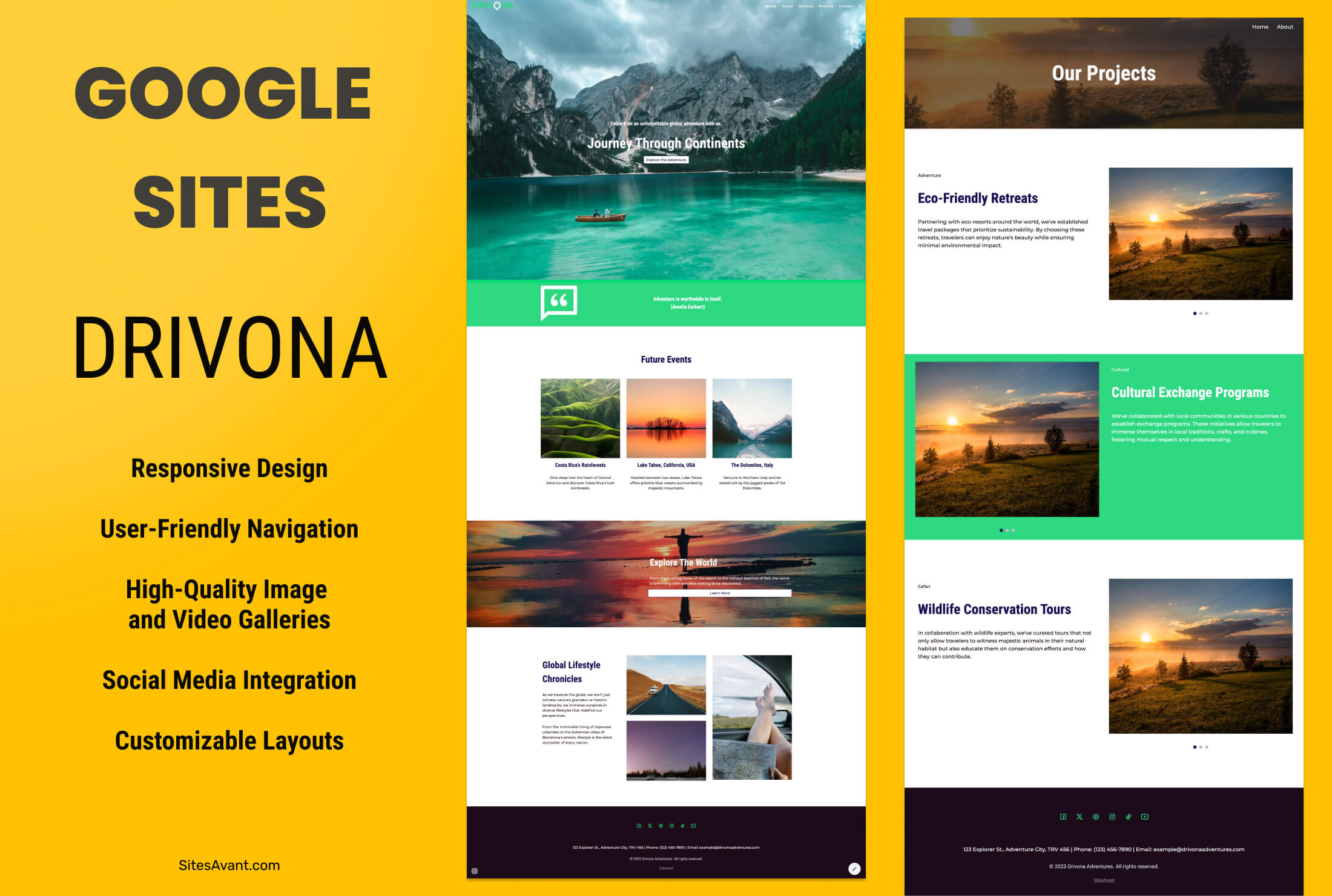 Medium Businesses DRIVONA: Free Travel Template for Google Sites DRIVONA is a vibrant Google Sites template designed for travel websites. Green and navy color scheme, large images, and pages for home, services, and contact. View template →
 -
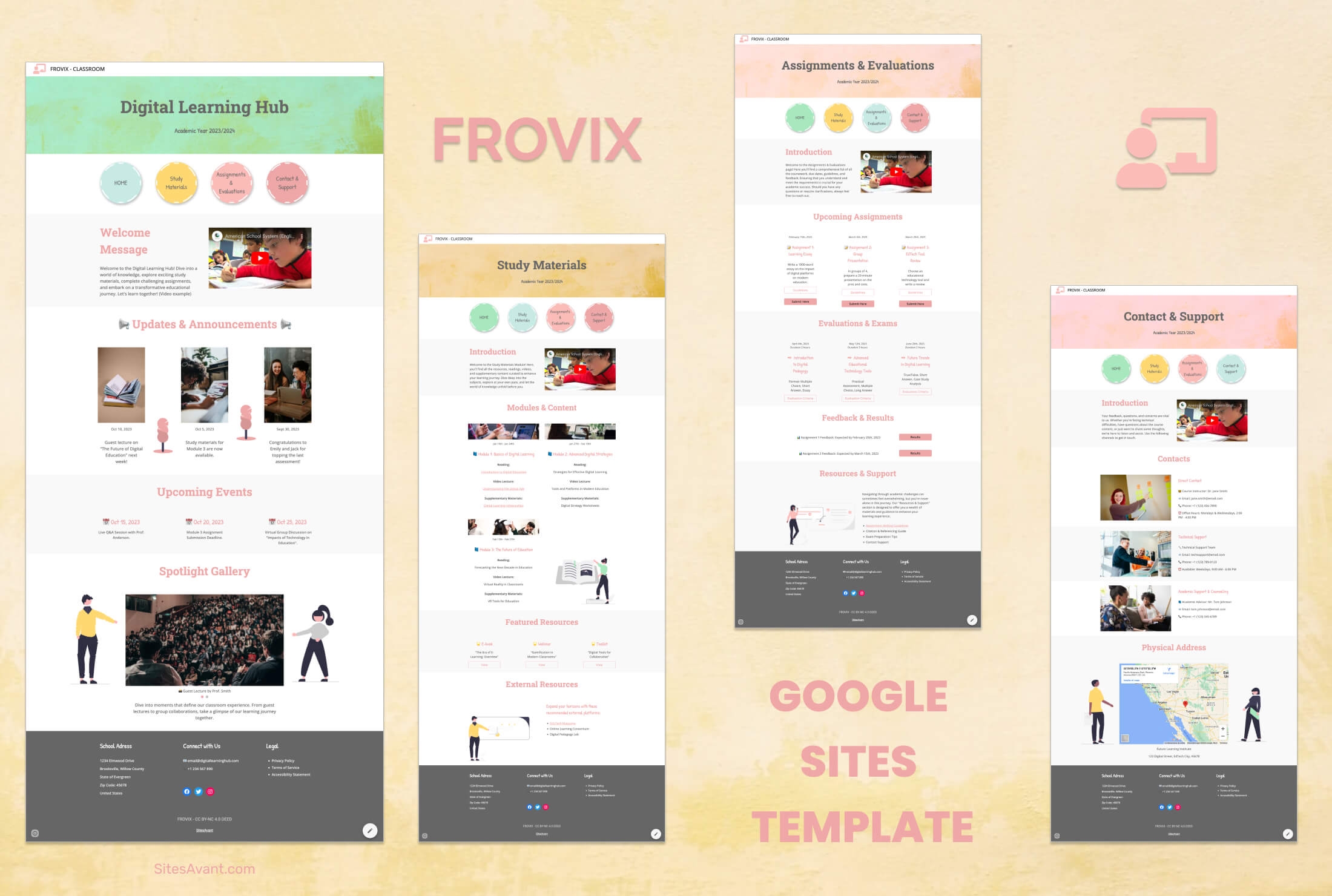 Schools and Colleges FROVIX: Digital Classroom Template for Educators FROVIX is a Google Sites template built for educators. Organized sections for class news, resources, assignments, events, and student support in one place. View template →
 -
 Hobbyist Clubs GIENAH - Google Sites Template for Fishing Clubs GIENAH is a free Google Sites template built for fishing clubs. Organized sections for events, gallery, membership, and contact - ready to copy and customize. View template →
 -
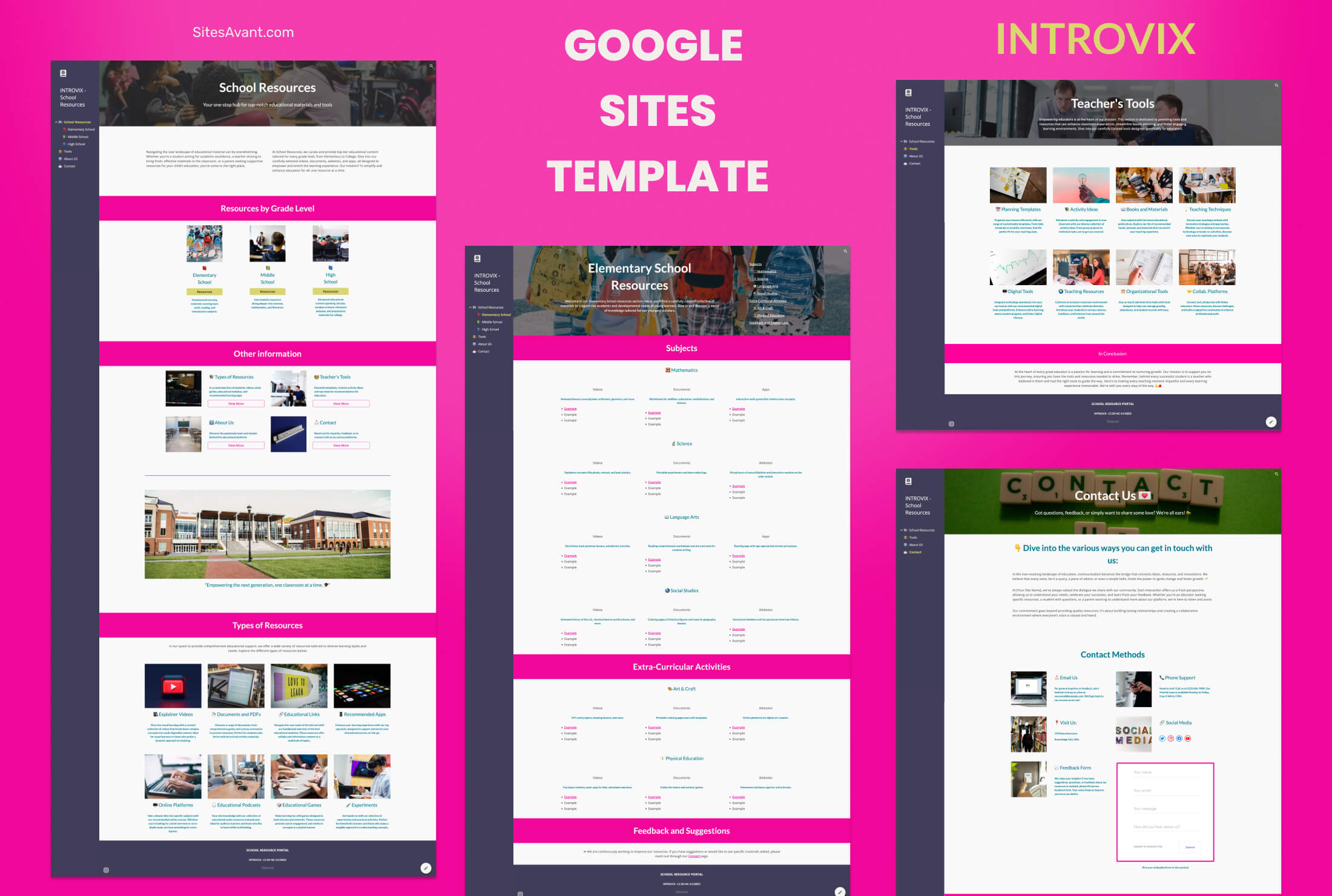 Educational Resources INTROVIX: Google Sites Template for Schools and Colleges INTROVIX is a Google Sites template built for educational resource centers. Organized sections for students and teachers, fully customizable content. View template →
 -
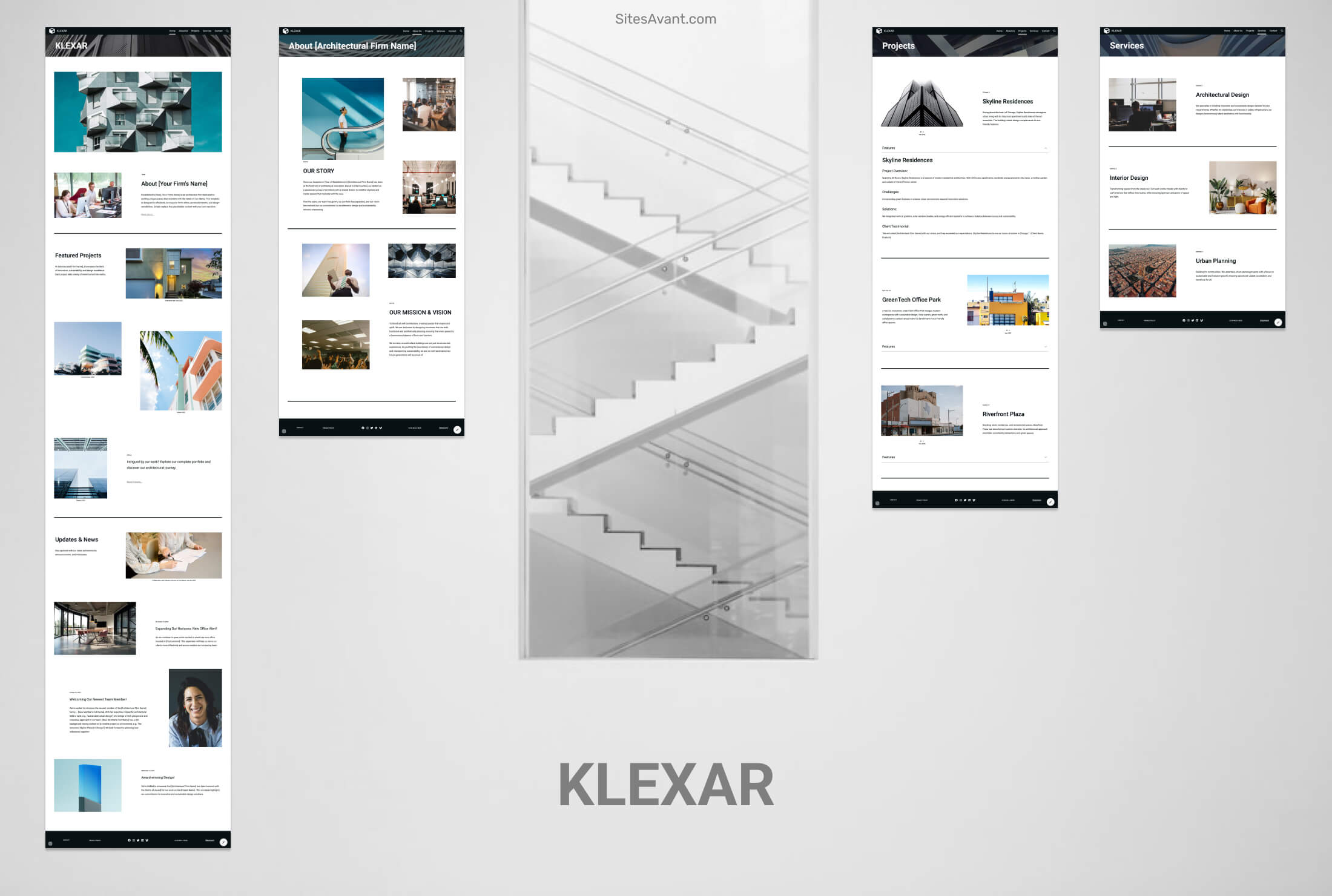 Agencies KLEXAR: Template for Your Architectural Firm KLEXAR is a Google Sites template for architecture firms and studios. Clean, modern design with project galleries, services, studio profile, and contact sections. View template →
 -
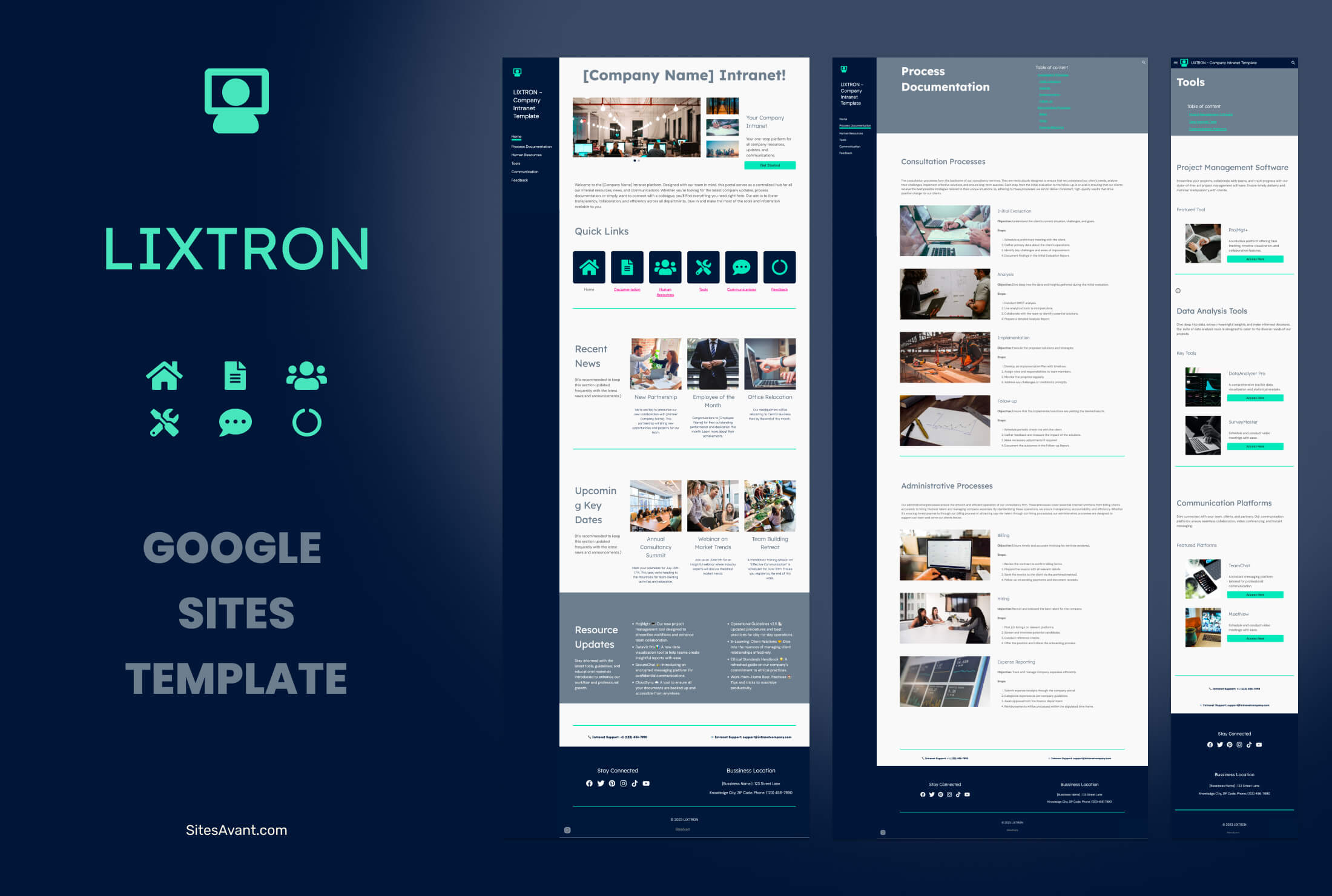 Consulting LIXTRON: Google Sites Intranet Template for Consulting Firms LIXTRON is a free Google Sites intranet template for consulting firms, with sections for processes, HR, tools, internal news and feedback. Live demo included. View template →
 -
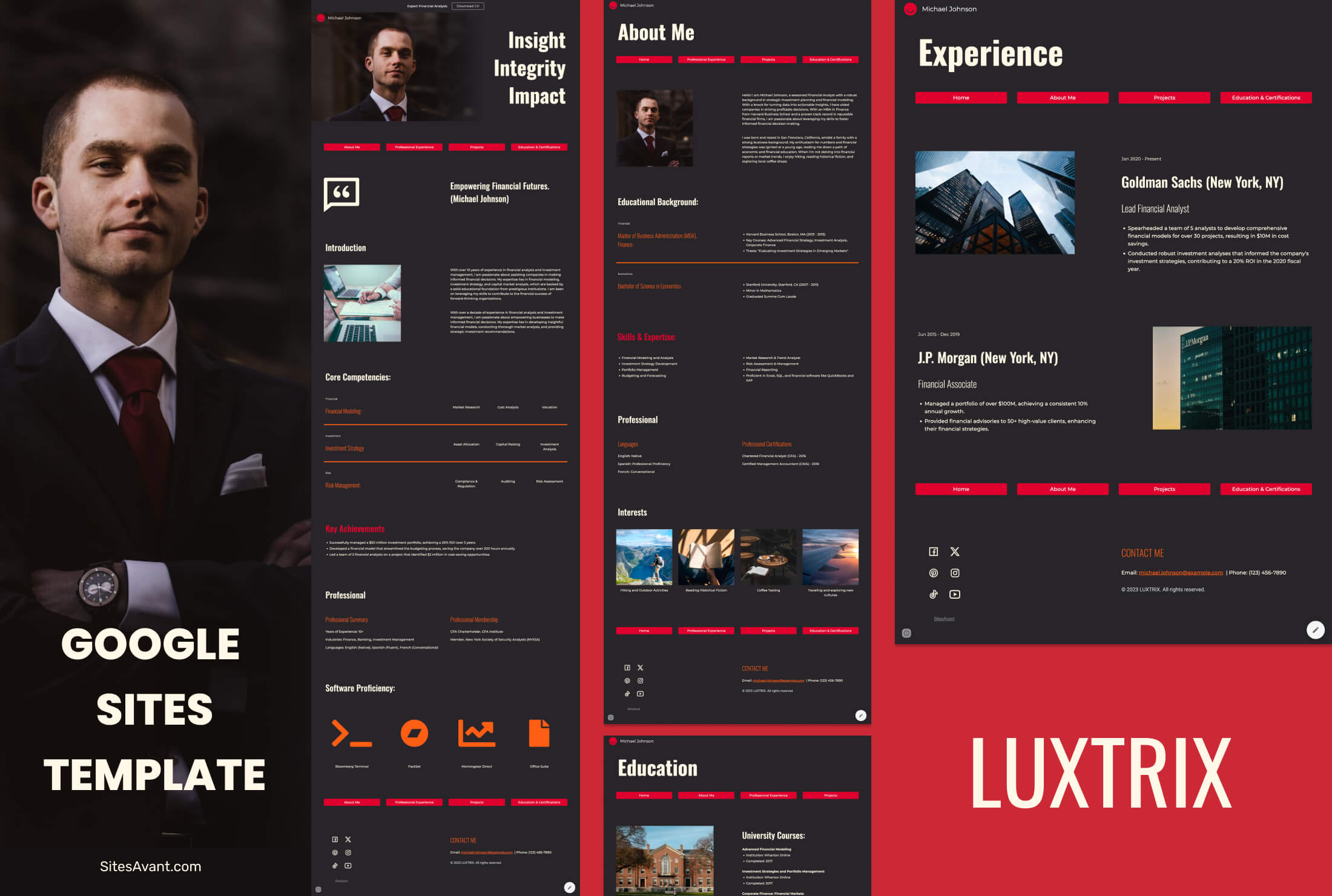 Professional Services LUXTRIX: Google Sites Resume Template for Finance Professionals LUXTRIX is a free Google Sites resume template: an online CV with a download button, work experience timeline, projects and certifications. Live demo included. View template →
 -
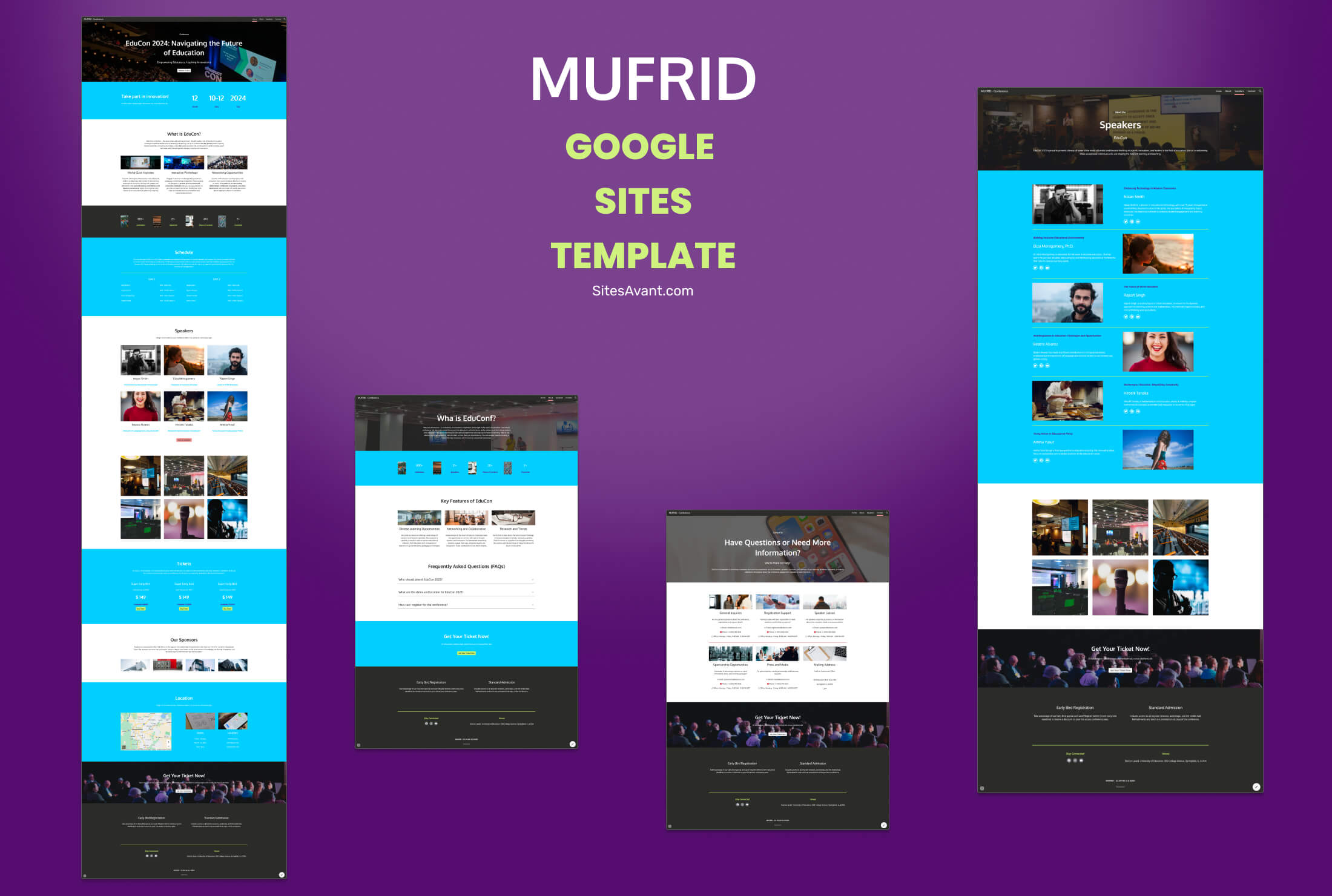 Training Courses MUFRID: Google Sites Conference Template for EduCon MUFRID is a Google Sites template built for EduCon-style conference sites. Includes speaker pages, registration forms, maps, and mobile-responsive layout. View template →
 -
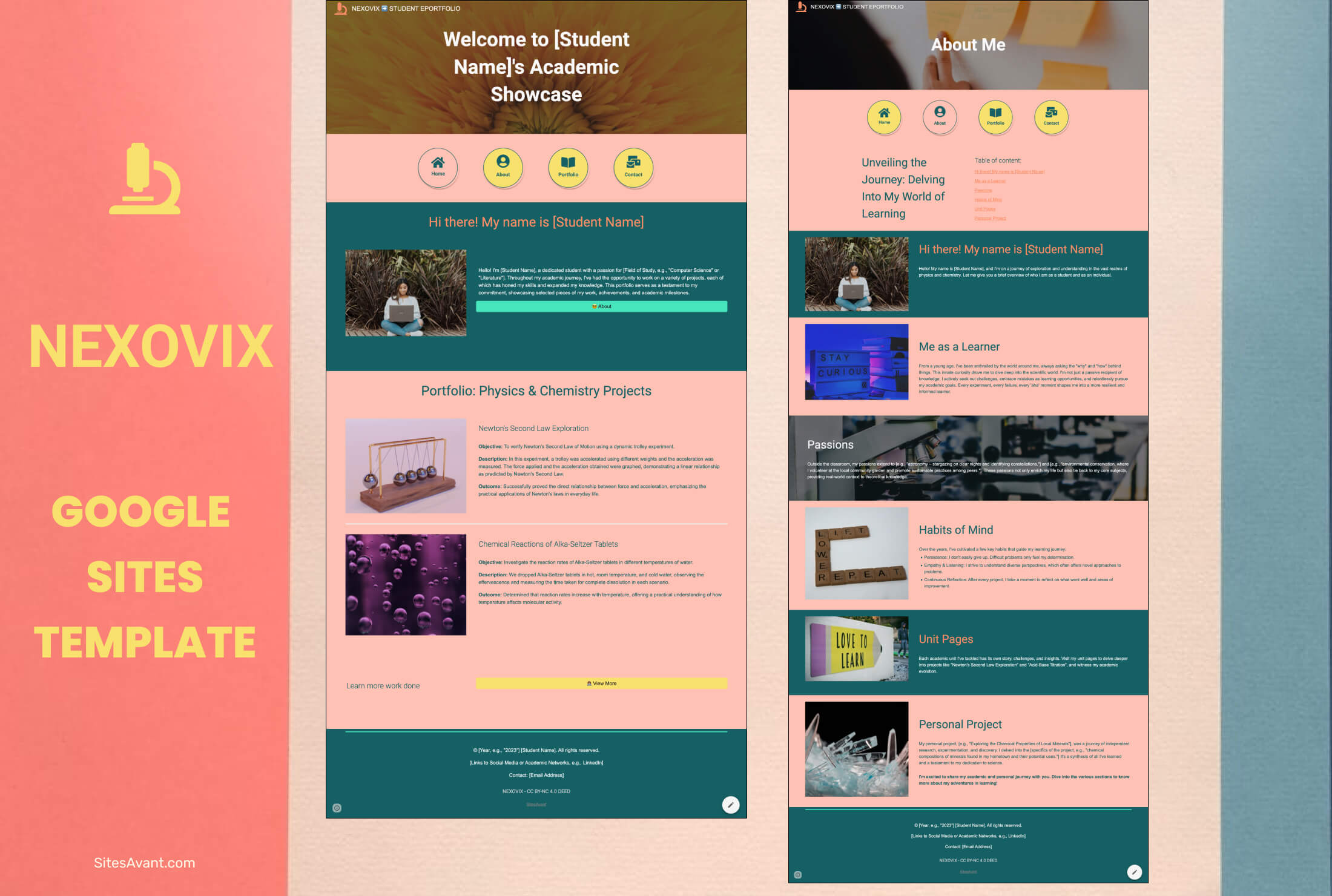 Schools and Colleges NEXOVIX: Student Eportfolio Template for Physics and Chemistry NEXOVIX is a Google Sites eportfolio template for physics and chemistry students. Share achievements, projects, and learning experiences with a clean, structured layout. View template →
 -
 Art Portfolios QUORIX: Art Portfolio Template for Students QUORIX is a Google Sites template for art students and aspiring artists. Organized sections for your profile, projects, and contact, with dark neutral tones and image galleries. View template →
 -
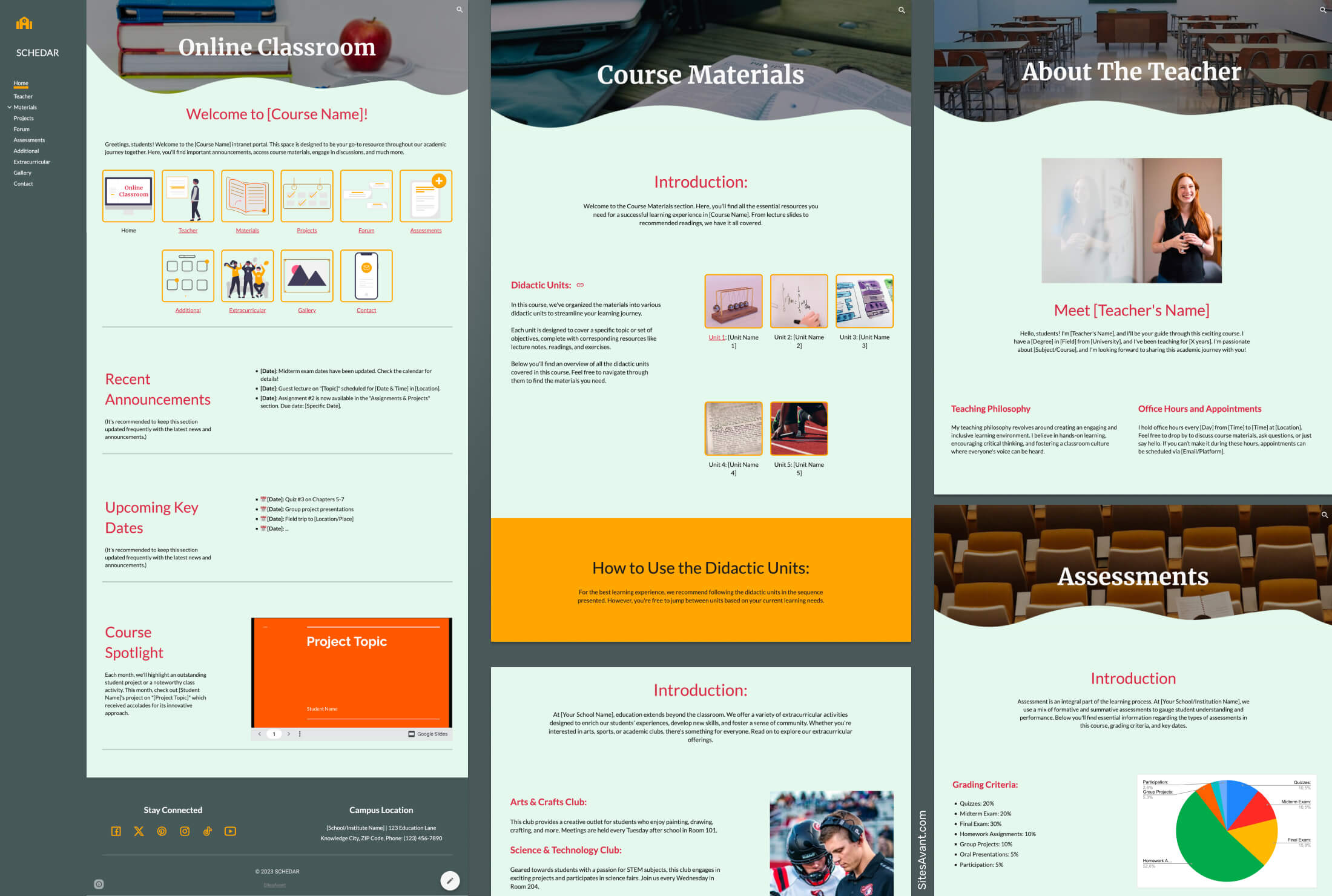 Schools and Colleges SCHEDAR: School Intranet Template for Google Sites SCHEDAR is a free Google Sites template for schools, with a gray, cream, and orange color scheme, a fixed sidebar, and 10 sections covering Home, Teachers, Projects, Forum, Gallery, and more. View template →
 -
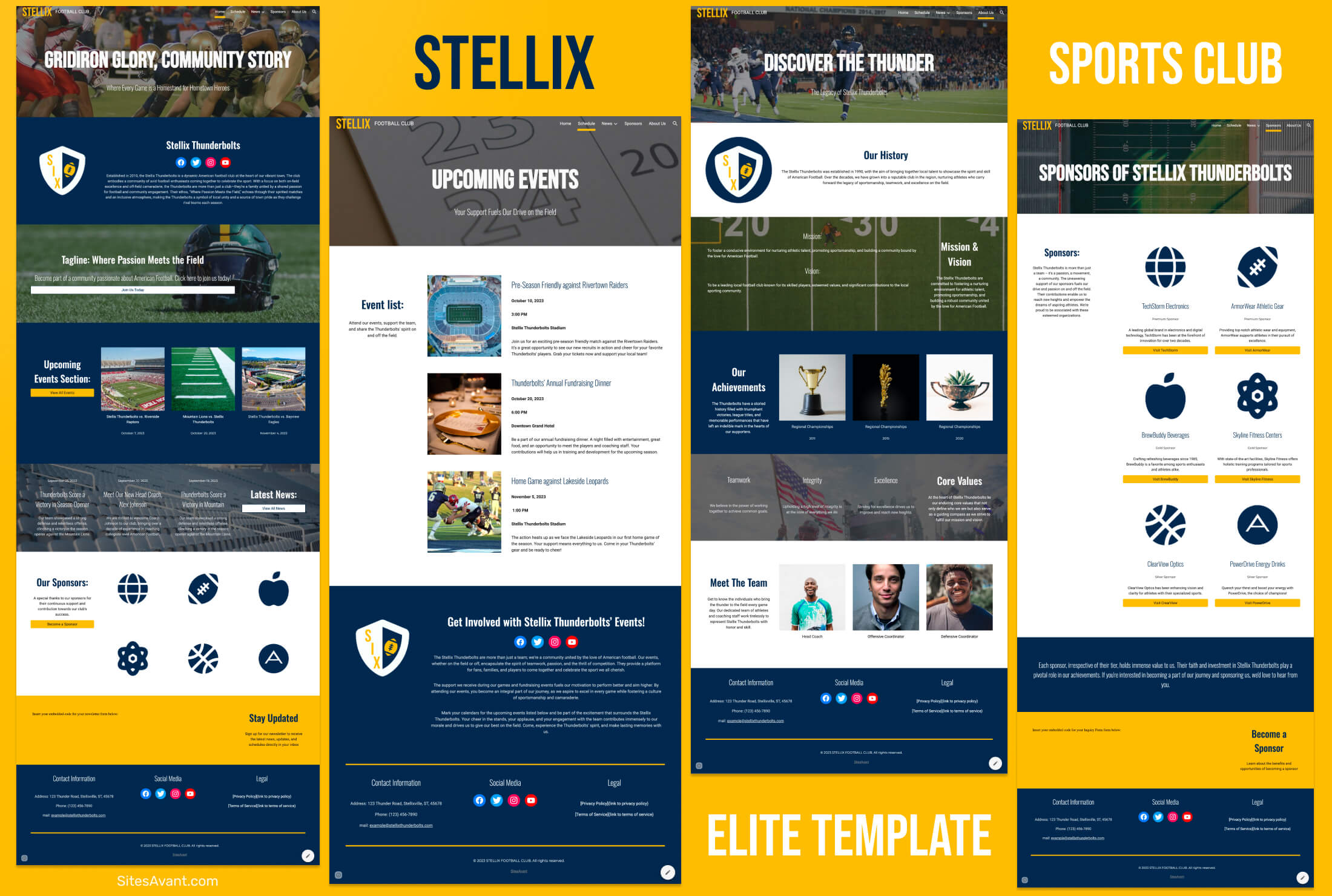 Sports Clubs STELLIX: Elite Football Club Template Dynamic Google Sites template for sports clubs. Bold design with deep blues, Bebas Neue headers, and five sections covering Home, Teams, Schedule, and News. View template →
 -
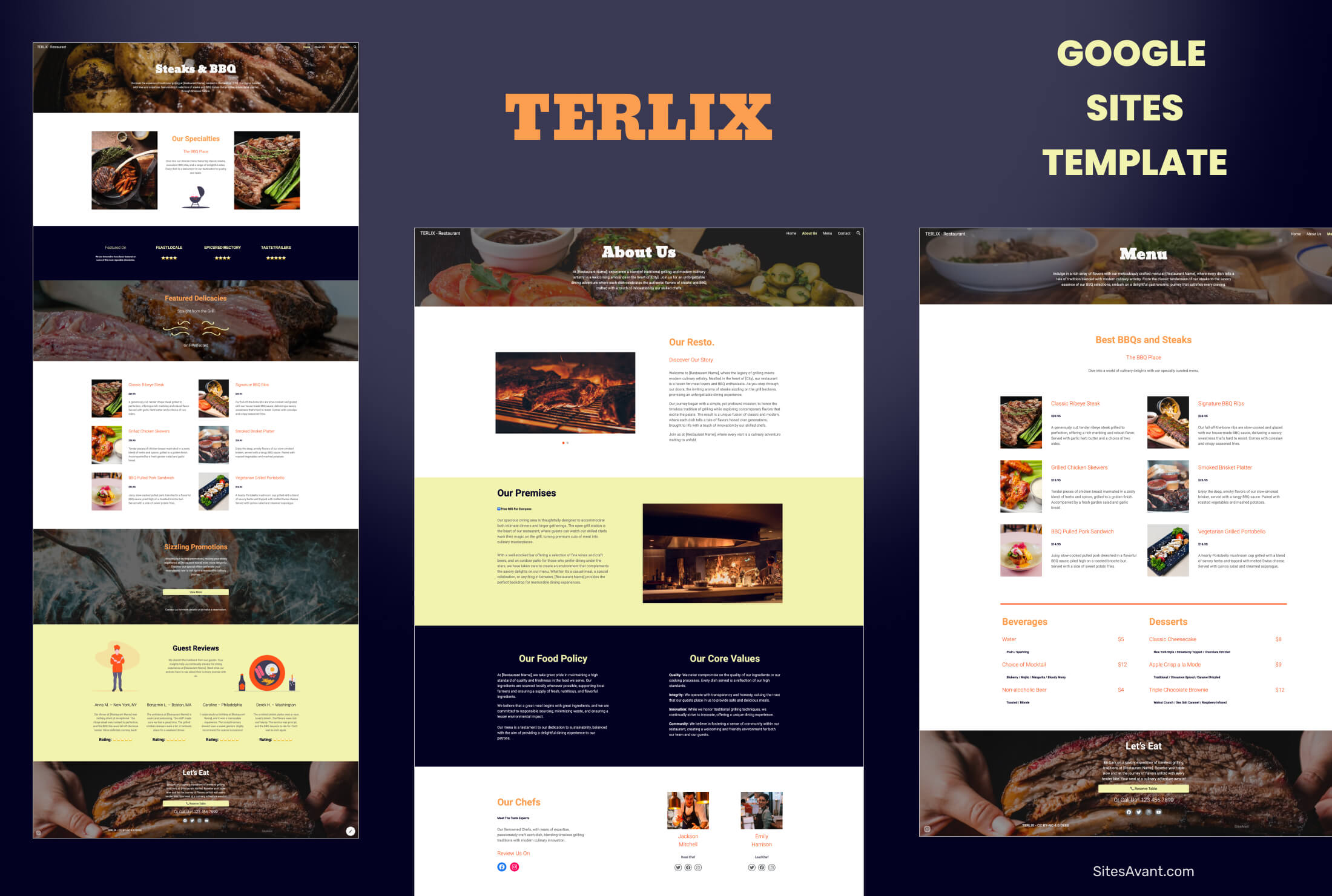 Franchises TERLIX: Steak & BBQ Restaurant Template TERLIX is a Google Sites template for steak and BBQ restaurants. Showcase your menu, signature dishes, promotions, and reservation form. View template →
 -
 Small Businesses ZOSMA Google Sites Template for Artisanal Products ZOSMA is a minimalist Google Sites template built for artisans and small businesses selling handmade products. Free to download and customize. View template →
- 100% Free, no sign-up
- 24 Ready-to-use templates
- 20 Categories to browse
- 1 click Copy to your Drive
What is a Google Sites template?
A Google Sites template is a ready-made website — a theme, page layouts and content blocks already designed for you — that you copy into your own Google Drive in a single click. Instead of starting from a blank page, you begin with a finished design and swap in your own text, images and links.
Every template on SitesAvant is built natively in Google Sites, so you edit it with the same free editor you already use. There is no code to write, no plugins to install and nothing to pay: copy the design, make it yours and publish it to the web in minutes.
How to use a Google Sites template
Three steps take you from picking a design to a live website.
-
Pick a template
Browse the collection and open the design that fits your project — a business site, a portfolio, an education page or a club.
-
Copy it to your Drive
Sign in to your Google account and copy the template to your own Google Drive with one click. The original stays untouched.
-
Edit and publish
Replace the sample text and images with your own content, then press Publish to put your website online.
Google Sites templates: frequently asked questions
-
Are Google Sites templates free?
Yes. Every template on SitesAvant is completely free, with no sign-up and no usage limits. You only need a Google account to copy a template to your Drive and start editing.
-
How do I use a template in Google Sites?
Pick a template, copy it to your Google Drive in one click, then replace the sample text and images with your own and publish. The full guide walks you through each step with screenshots.
-
Do I need a Google account to use the templates?
You need a free Google account to copy a template into your Drive and edit it, the same as for any Google Sites website. Browsing the templates here needs no account at all.
-
Can I use a template for a business website?
Yes. The collection covers small businesses, professional services, portfolios, schools and clubs, so you can adapt a ready-made design to your own brand and content.
-
Are the templates mobile-friendly?
Google Sites is responsive by default, so every template adjusts to phones, tablets and desktops automatically — there is no separate mobile version to maintain.
-
Is Google Sites still available?
Yes. Google Sites is an active part of Google Workspace and free to use. These templates are built on the current version of the platform.