LUXTRIX: Google Sites Resume Template for Finance Professionals
Important: you need to be signed in to a Google account to copy the template to your Drive. Need help downloading?
LUXTRIX: a Google Sites resume template
LUXTRIX is a Google Sites resume template for people who want their CV as a website: a link you can add to an email, a LinkedIn profile or a job application. The demo belongs to a financial analyst, and the design fits that kind of profile: dark gray backgrounds, off-white titles, large photos and warm accents.
What this resume website includes
- Home: your name, a one-line title, a Download CV button, three values that sum up how you work and a short introduction.
- About me: a longer bio with your background and what you are looking for.
- Professional experience: a timeline with dates, company, role and two or three results for each job.
- Projects: the projects you led, with dates and what came out of them.
- Education and certifications: degrees, courses and certificates with the institution and the year.
Every page has a menu at the top and another at the bottom, plus a contact block in the footer.
How to turn your resume into a Google Sites website
Copy the template to your Drive and replace the sample text page by page, starting with the experience timeline. Export your resume as a PDF, upload it to Drive, share it with anyone who has the link and paste that link into the Download CV button, which in the template still points to the home page. Finally, publish the site so that anyone can view it and check the link in a private window.
What to leave off a public resume site
A published Google Site can be found by anyone with the link, and sometimes by search engines. Use a contact email instead of your phone number and home address, and keep references and salary details for the interview.
More templates
-
 Learn & Support Google Sites Themes: 8 Free Custom Themes and How to Use Them Free custom themes for Google Sites with their exact colors and fonts, plus how to import a theme, create your own and change the theme of a site. Read guide →
-
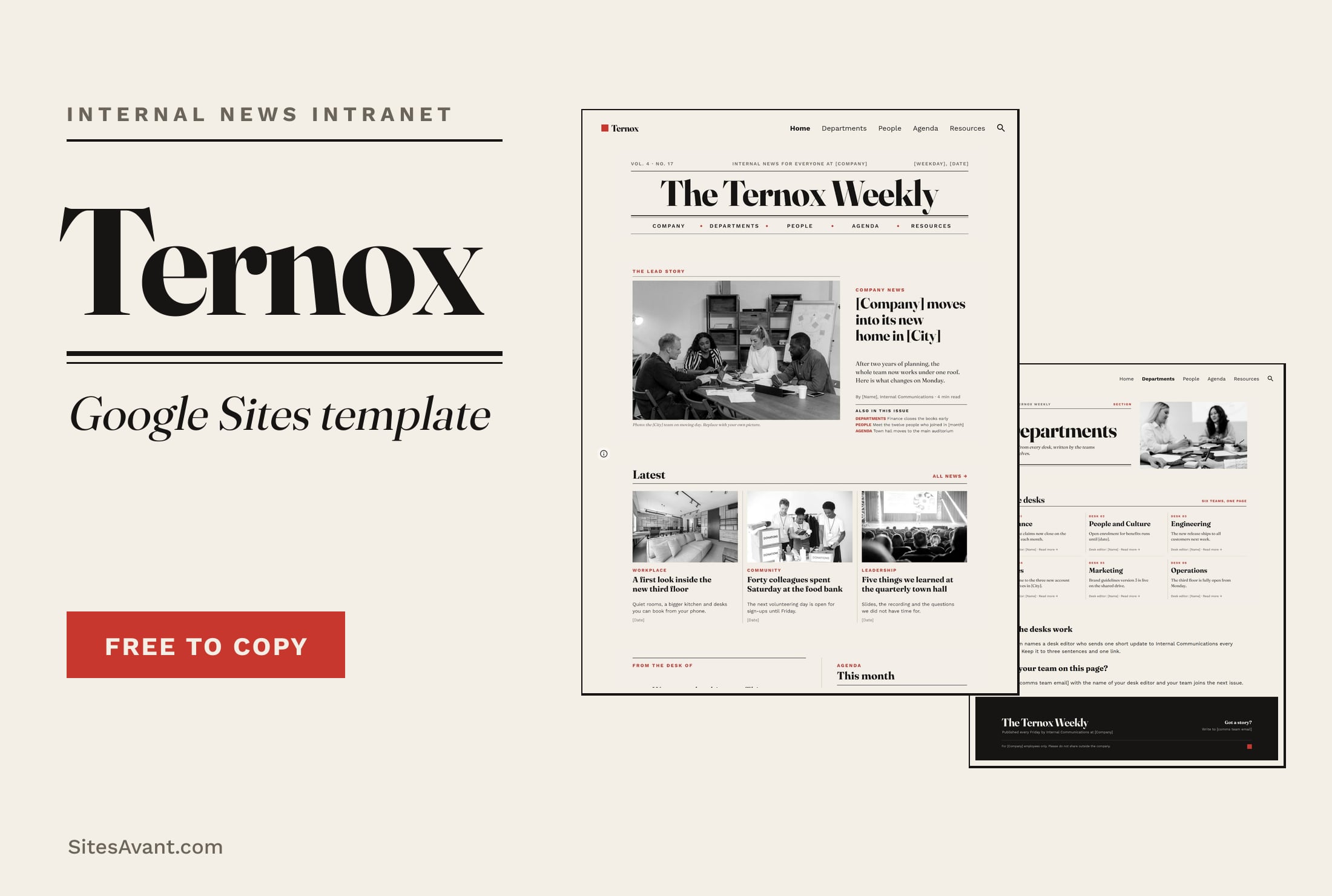 Google Sites Intranet Templates TERNOX: Google Sites Internal Communications Intranet TERNOX is a free Google Sites intranet template for internal communications, designed like a company newspaper: lead story, departments, people and agenda. View template →
-
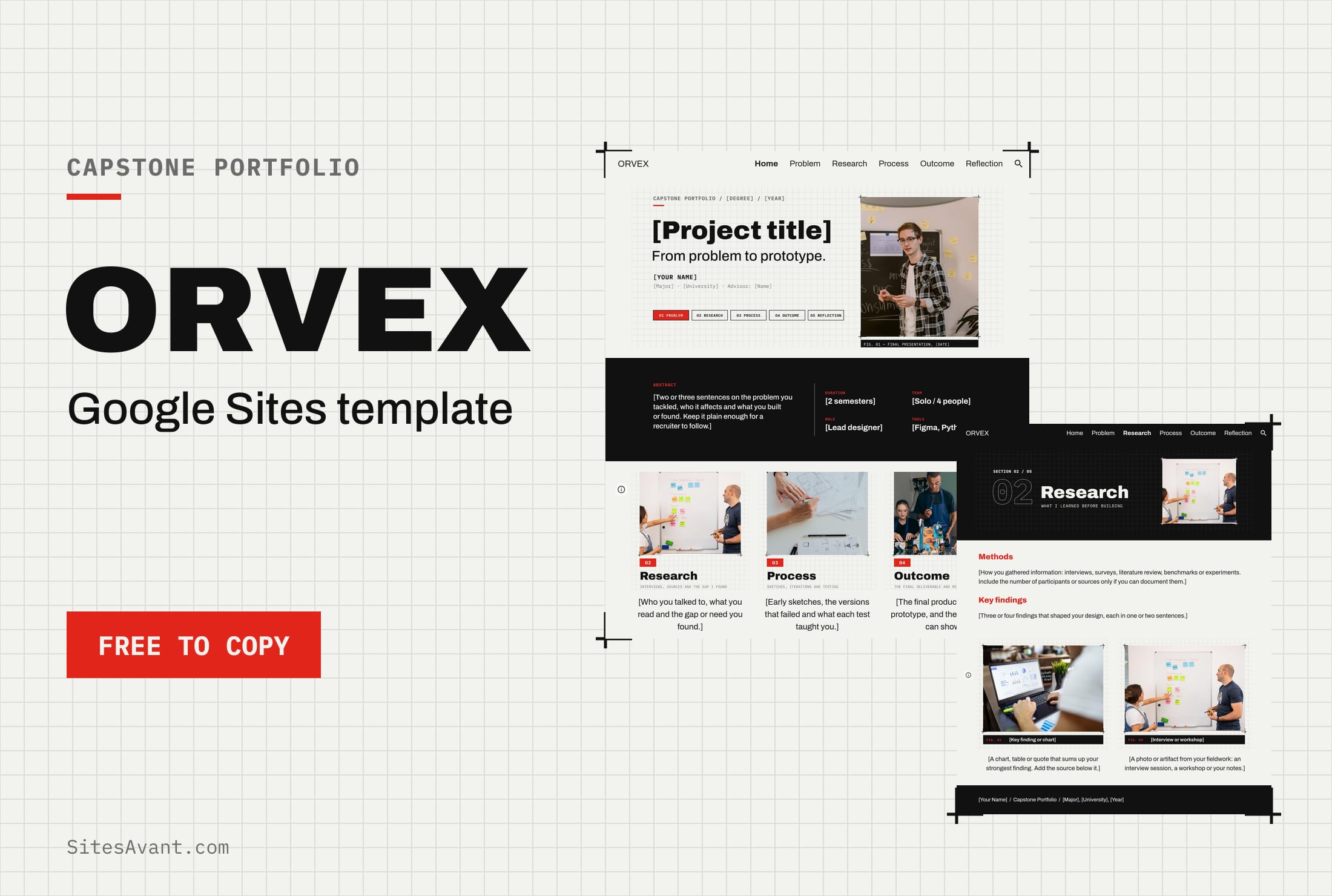 Google Sites ePortfolio Templates ORVEX: Google Sites Capstone Portfolio Template ORVEX is a free Google Sites capstone portfolio template for college students: problem, research, process, outcome and reflection, with a live demo. View template →
-
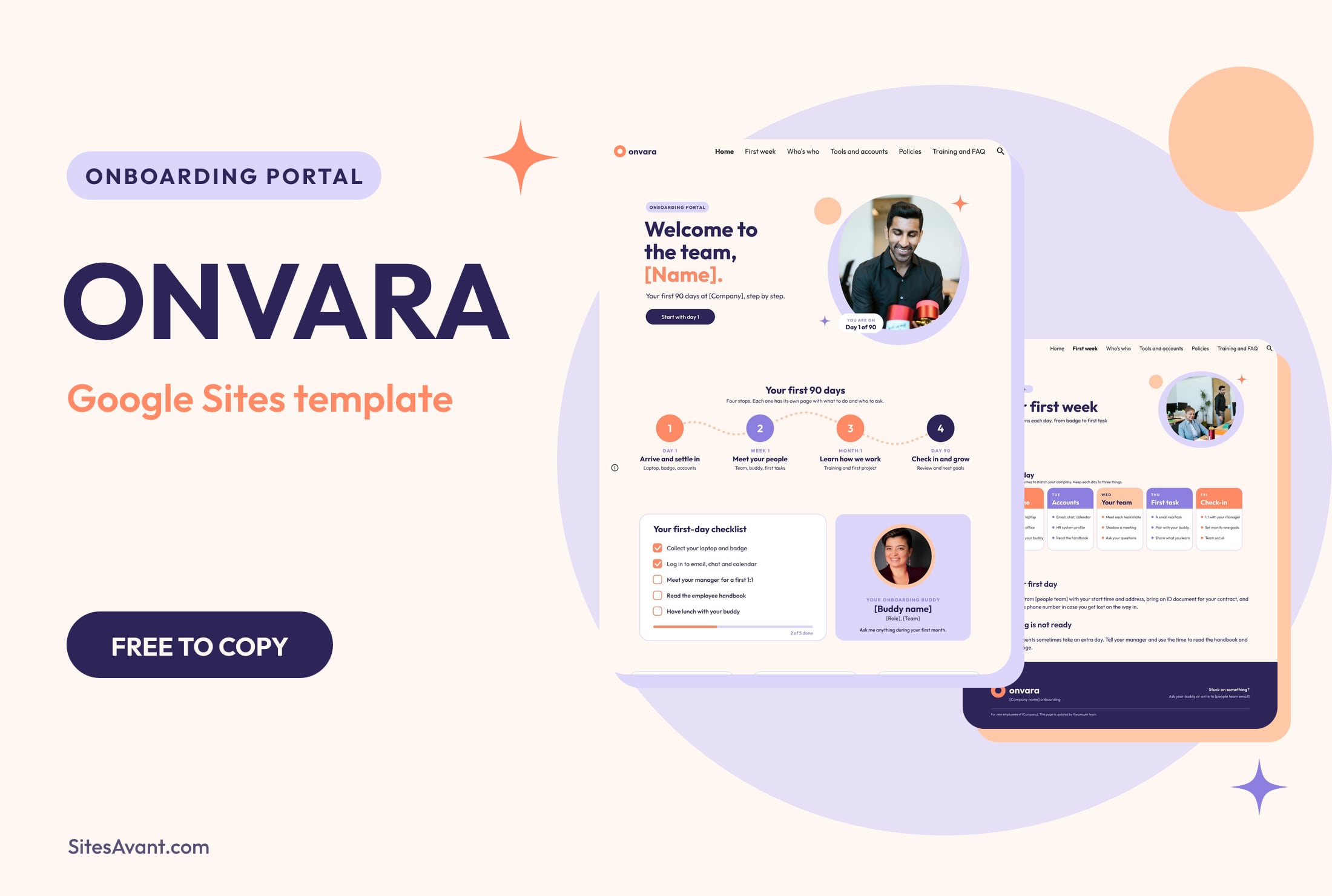 Google Sites Intranet Templates ONVARA: Google Sites Employee Onboarding Portal Template ONVARA is a free Google Sites employee onboarding portal template: a 90-day roadmap, first-day checklist, buddy, tools, policies and training. Live demo included. View template →