Templates
Google Sites ePortfolio Templates
-
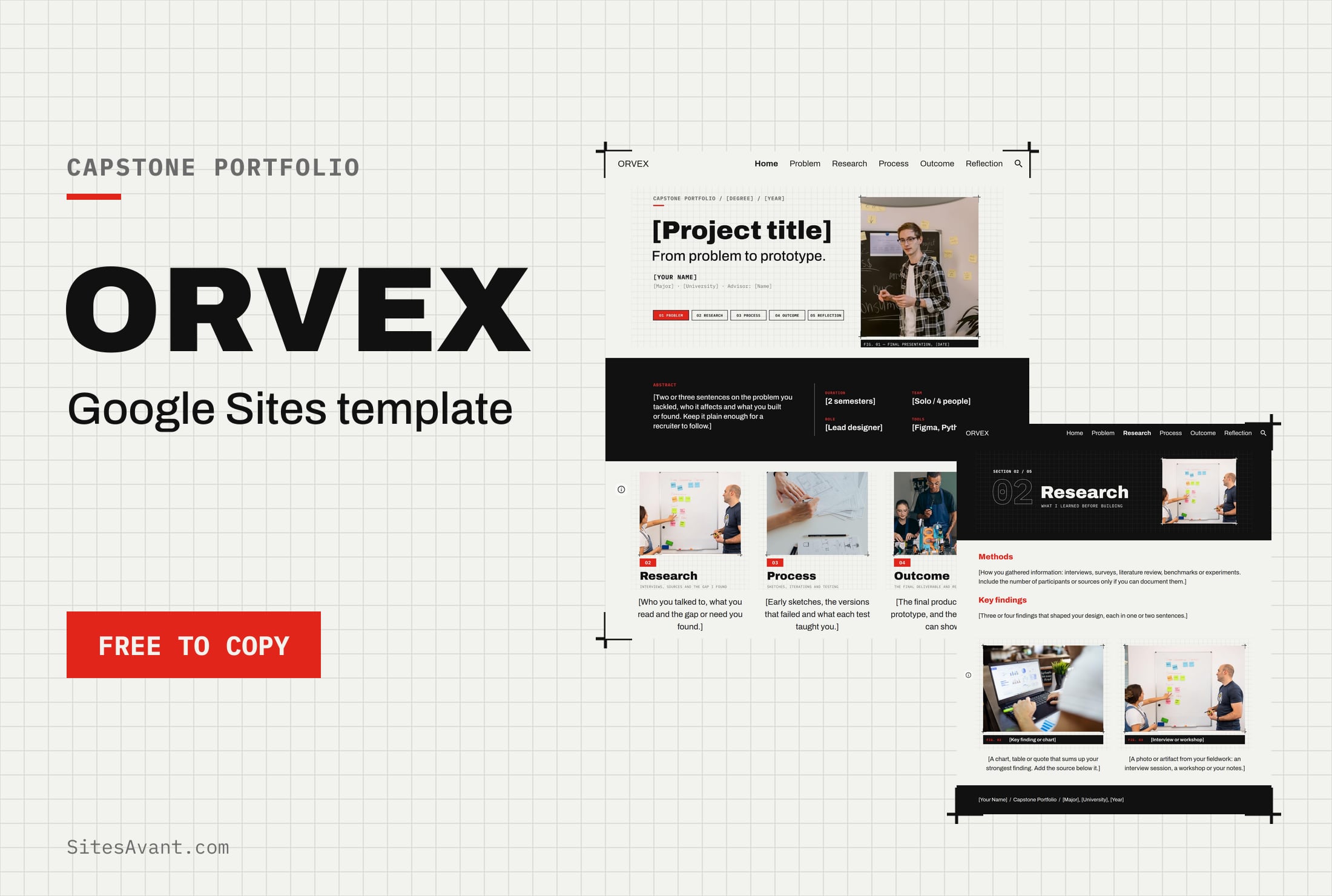 Google Sites ePortfolio Templates ORVEX: Google Sites Capstone Portfolio Template ORVEX is a free Google Sites capstone portfolio template for college students: problem, research, process, outcome and reflection, with a live demo. View template →
 -
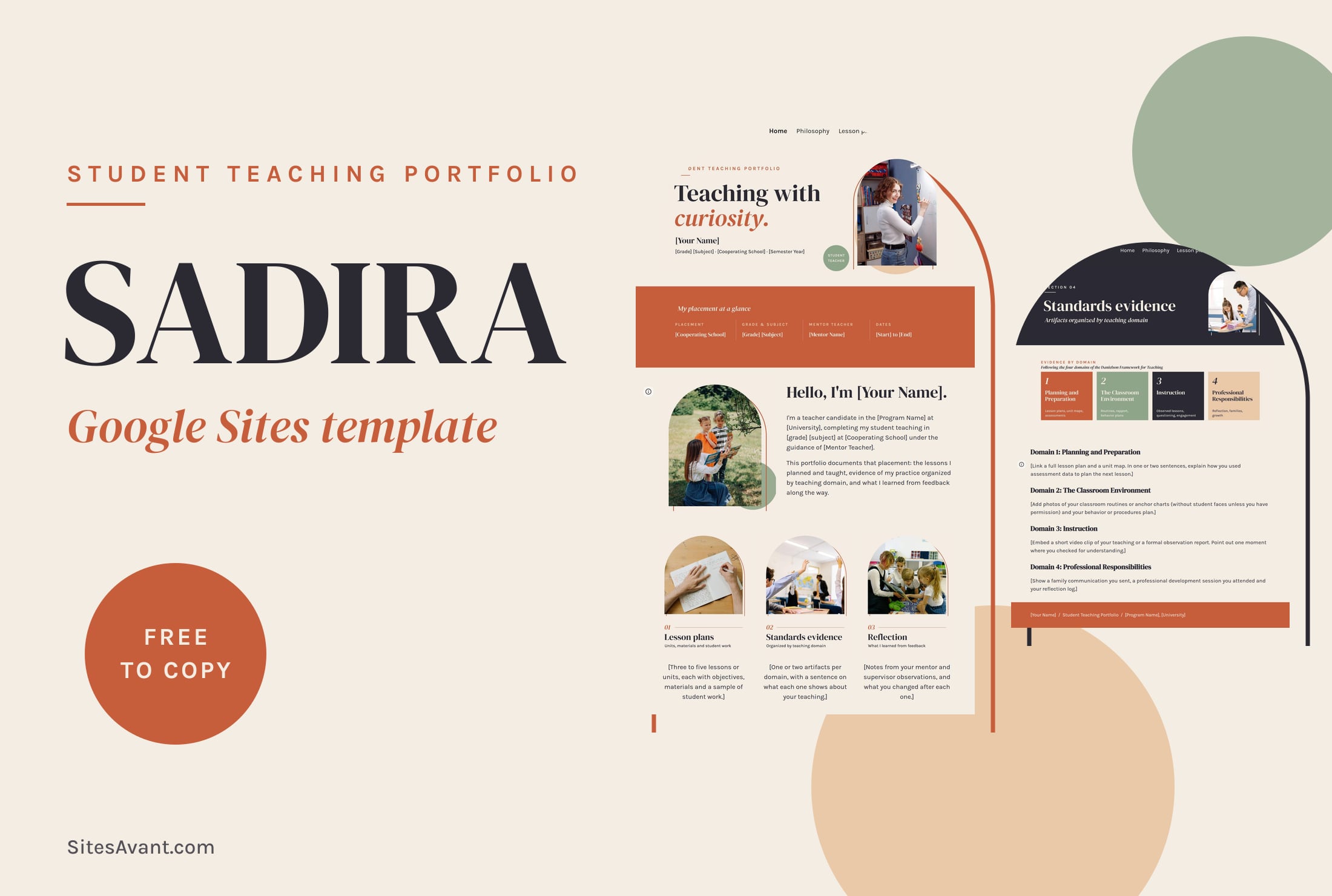 Google Sites ePortfolio Templates SADIRA: Google Sites Student Teaching Portfolio Template SADIRA is a free Google Sites student teaching portfolio template: teaching philosophy, lesson plans, evidence by Danielson domain and reflection. View template →
 -
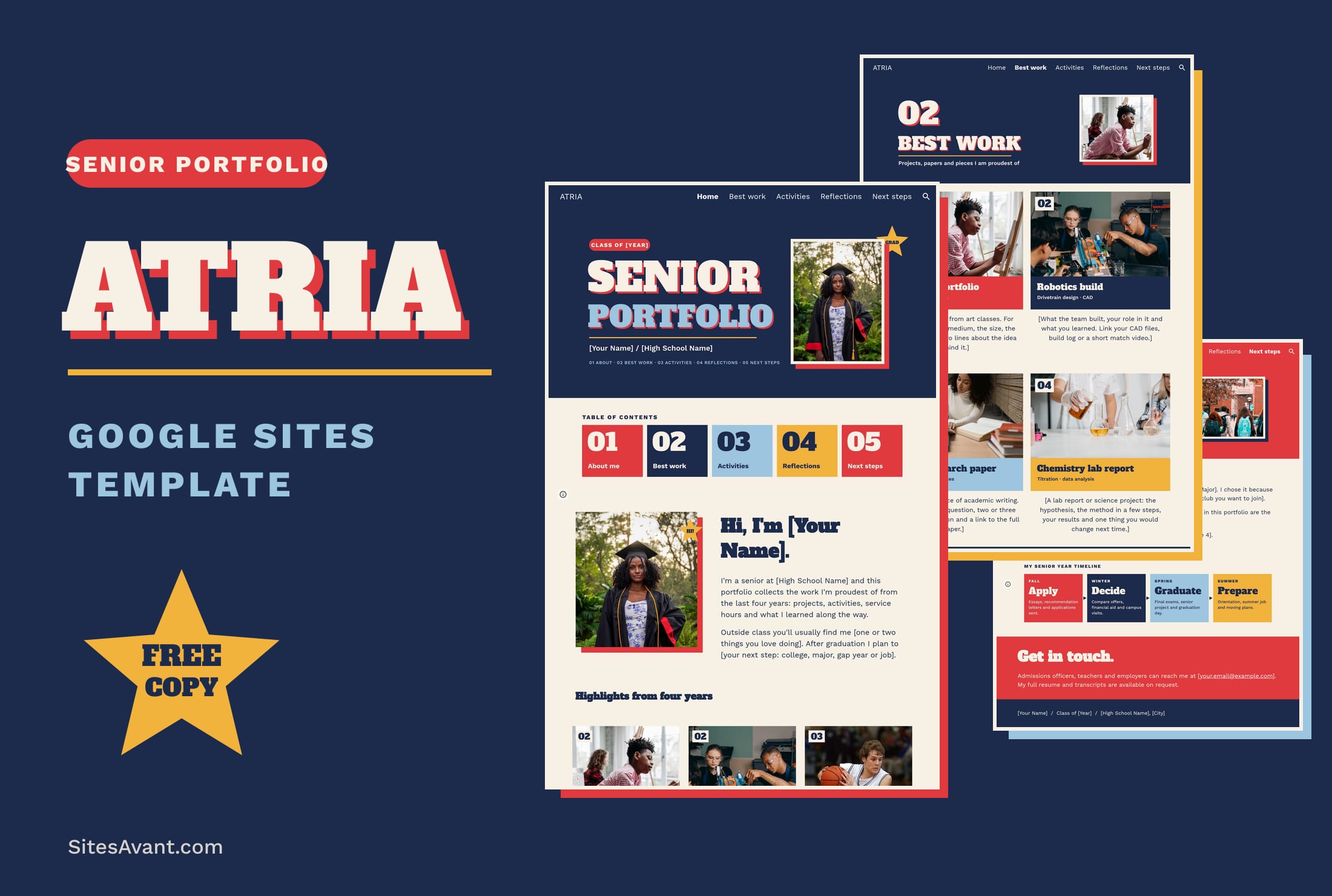 Google Sites ePortfolio Templates ATRIA: Google Sites Senior Portfolio Template ATRIA is a free Google Sites senior portfolio template for high school seniors: best work, activities, reflections and next steps, with a live demo. View template →
Google Sites ePortfolio templates
An ePortfolio is a website that collects your work, the evidence behind it and what you learned along the way. Google Sites is the usual tool for it in schools and colleges because students already have a Google account, files link straight from Drive and the finished site can be shared with a single URL. The templates on this page are complete sites with a live demo that you can copy to your Drive and fill in.
Google Sites ePortfolio examples by type
ATRIA is a senior portfolio for the last year of high school, with best work, activities, reflections and next steps. SADIRA is a student teaching portfolio that organizes evidence by the four domains of the Danielson Framework for Teaching. ORVEX follows a college capstone project from the problem to the final outcome.
Other templates on the site also work as ePortfolios: KORVIX for students applying to college or scholarships, NEXOVIX for science coursework and BLENIX for teachers who are looking for a job.
What to include in a Google Sites ePortfolio
Most rubrics ask for the same blocks: a short introduction, a selection of your best work, evidence such as certificates, images or videos, and a reflection on each piece. Add context to every artifact, even one sentence on what the task was and what you did, because a reviewer who opens a file without it will not know why it is there.
Google Sites ePortfolio for students and teachers: sharing settings
Sites built with a school Google Workspace account are often limited to people inside the school. That is fine for a class assignment, but a college, an employer or a scholarship committee will not be able to open the link. Check the publish settings before you send it, or make your copy of the template in a personal account if you want to keep the portfolio after you leave the school.