Templates
Google Sites Intranet Templates
-
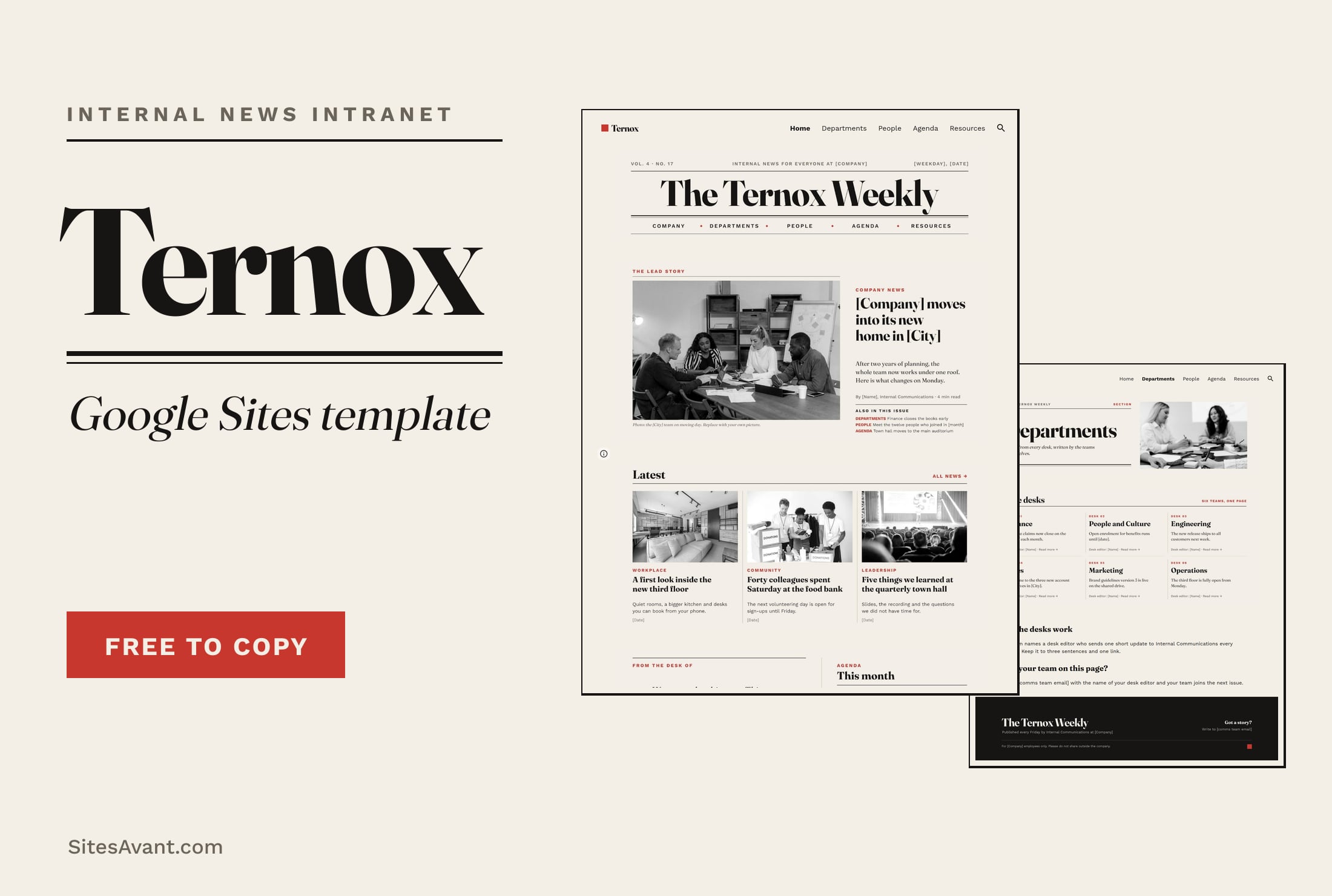 Google Sites Intranet Templates TERNOX: Google Sites Internal Communications Intranet TERNOX is a free Google Sites intranet template for internal communications, designed like a company newspaper: lead story, departments, people and agenda. View template →
 -
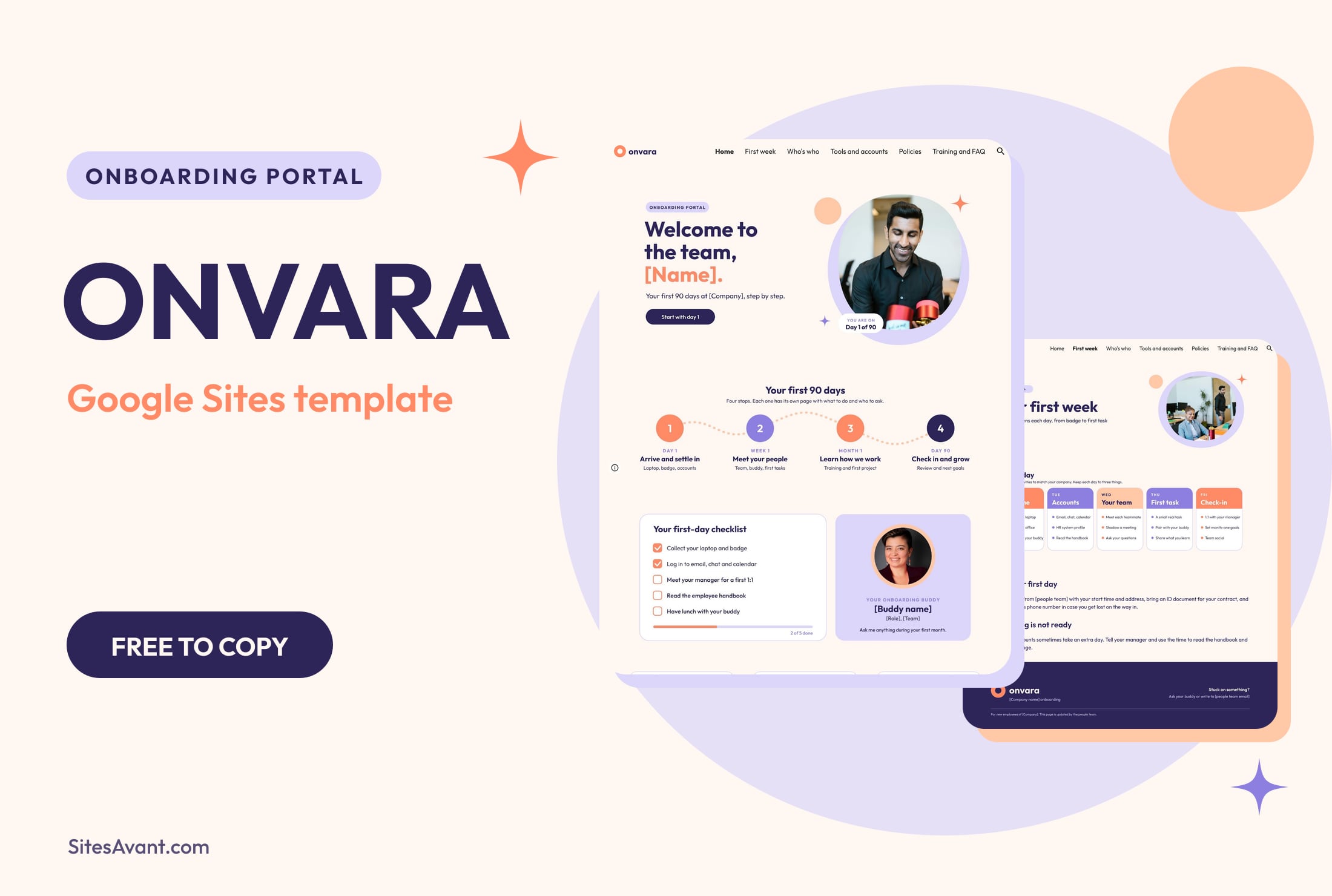 Google Sites Intranet Templates ONVARA: Google Sites Employee Onboarding Portal Template ONVARA is a free Google Sites employee onboarding portal template: a 90-day roadmap, first-day checklist, buddy, tools, policies and training. Live demo included. View template →
 -
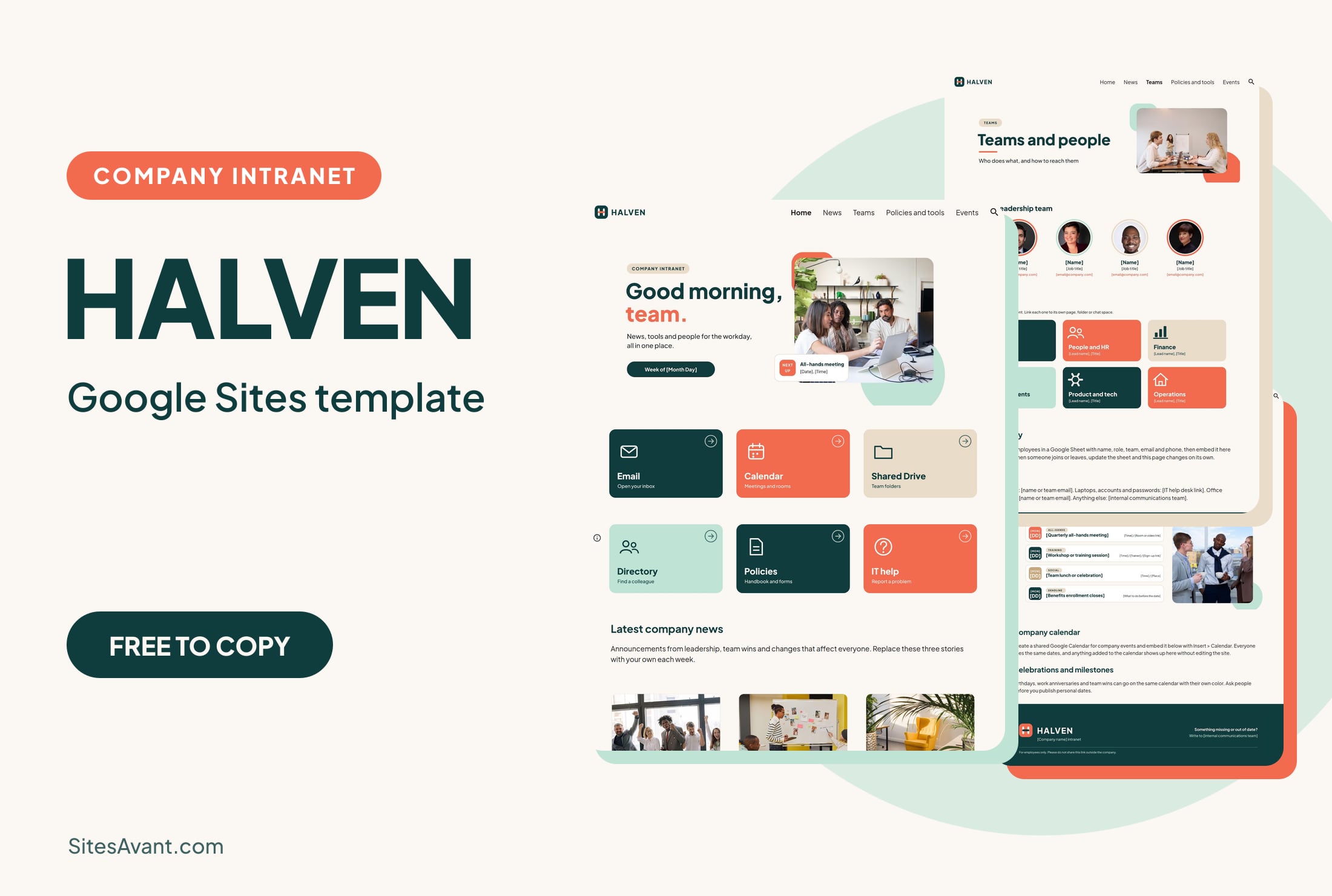 Google Sites Intranet Templates HALVEN: Google Sites Company Intranet Template HALVEN is a free Google Sites company intranet template with quick links, company news, a team directory, policies and an events calendar. Live demo included. View template →
Google Sites intranet templates
A Google Sites intranet is an internal website that only your team can see: the page with the links, documents, news and people that everyone needs at work. Google Sites suits it when the company already uses Google Workspace, because files come straight from Drive and calendars, forms and sheets can be embedded on any page. The templates on this page are complete intranets with a live demo that you can copy to your Drive and adapt.
Google Sites intranet examples by type
HALVEN is a company intranet with quick links, news, a team directory, policies and events. ONVARA is an employee onboarding portal that guides new hires through their first 90 days. TERNOX is an internal communications intranet designed like a company newspaper.
Two more templates cover specific organizations: LIXTRON is an intranet for consulting firms, with process documentation, HR and feedback, and SCHEDAR is a school intranet for teachers and students.
What to put on a company intranet home page
The home page is the one people open every morning, so it should answer the daily questions first: links to email, calendar, the shared drive and the help desk, the latest announcements and what is happening this week. Policies, forms and team pages can sit one click away in the menu.
Employee onboarding portal in Google Sites
An onboarding portal is a smaller intranet for new hires. It works best organized by time: before the first day, the first week, the first month. Add a checklist, the names of the people to meet and the accounts to set up, and the new person will need fewer questions to get started.
Who can see a Google Sites intranet
Access depends on the publish settings. With a Google Workspace account you can limit viewing to people in your organization, which is the usual setup for a company intranet. With a personal Google account, publish the site only for specific people and add each colleague's email. Check the sharing of every linked file as well: a link on the intranet does not give access to a document that is restricted in Drive.